Capterra Scraper

Capterra Scraper

Capterra Version 3.3.4 6 scraping options

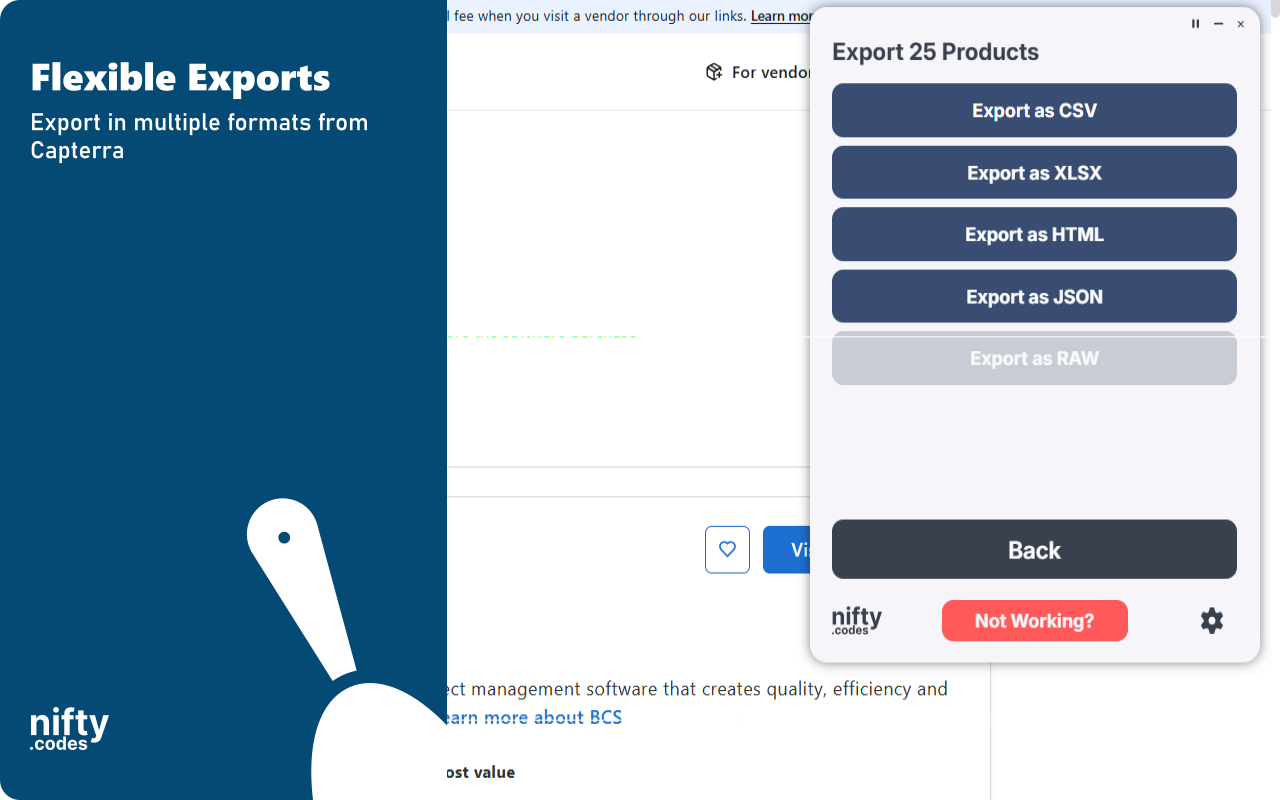
Capterra Scraper: Export Capterra reviews, product lists, details, pricing, features, and alternatives to CSV, JSON, XLSX.

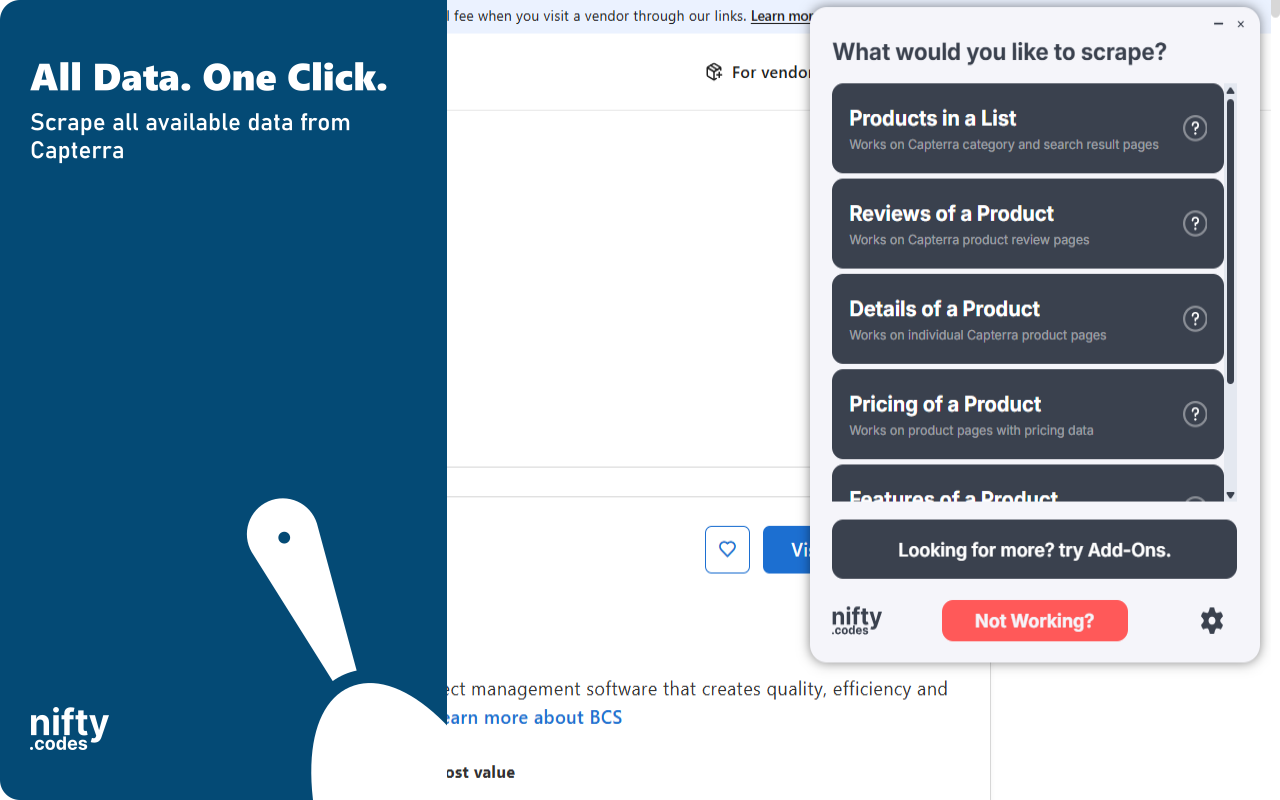
What you can scrape

Open the page, pick one of these, and start collecting.

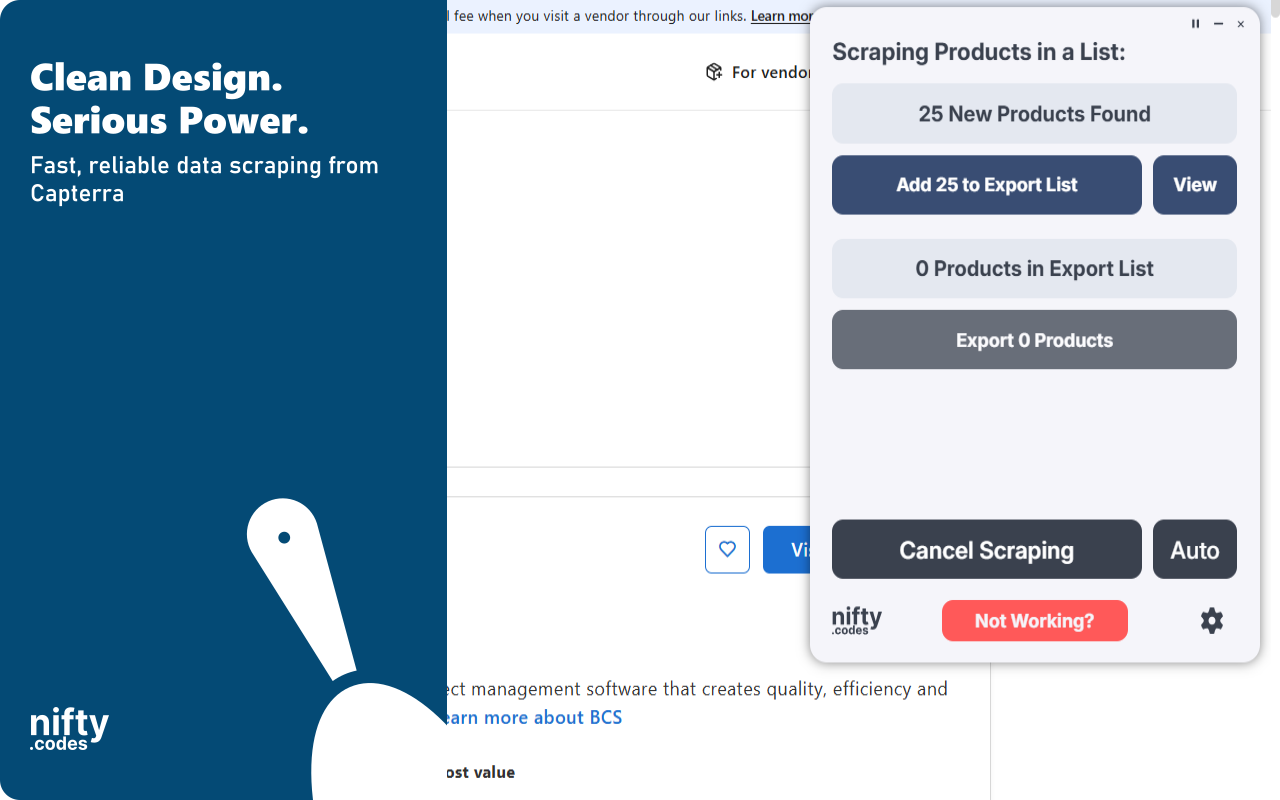
Products in a List

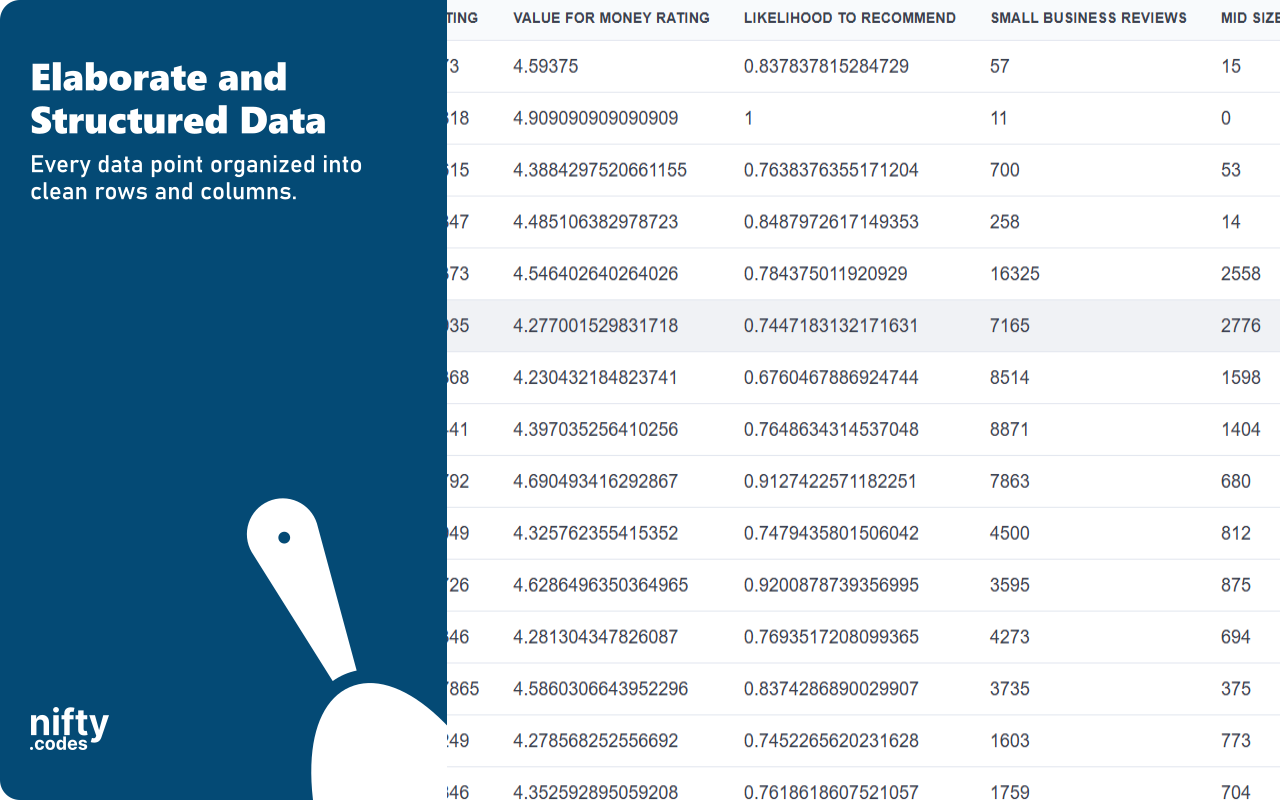
30 fields
Product ID Product Name Vendor Name Product URL Slug SEO ID +24 more

Reviews of a Product

28 fields
Product ID Review Title Written On General Comments Pros Text Cons Text +22 more

Details of a Product

51 fields
Product ID Product Name Product URL Slug SEO ID Logo URL +45 more

Pricing of a Product

30 fields
Product ID Product Name Product URL Slug SEO ID Logo URL +24 more

Features of a Product

7 fields
Feature Name Feature Description Feature Rating Review Count Importance Tooltip Feature Rank +1 more

Alternatives of a Product

33 fields
Product ID Product Name Vendor Name Product URL Review URL Slug +27 more

A look inside

Screenshot 1
Screenshot 2
Screenshot 3
Screenshot 4

Add-ons

Optional tools that extend what this scraper can do.

Multi-URL Opener

Open and scrape multiple URLs in one go. Add URLs manually or auto-collect them from a list page, then batch-process and export all results.

Page Watcher

Track changes on any page and get notified instantly. Set conditions on fields you care about and receive alerts via webhook or ntfy.sh when something changes.

Questions

How does this work?

Open the page you want to scrape, select the type of data you need from the list, and that's it. It just works. If you want to take it further, you can with customizations, webhooks, add-ons, and a lot more.

Is this reliable?

Very. We have 50+ scrapers and each one goes through a regular monthly testing cycle. On top of that, we take bug reports seriously and most issues are fixed within 48 hours.

Which websites does this scraper work on?

This scraper works on capterra.com.

Can I use this to monitor changes in pages?

Yes, we have a Page Watcher tool built for exactly that. It can track new results appearing in a list, or watch specific values like price or likes for any changes.

How much does this cost?

It's free to use with limits. To unlock everything, it's $9.99/month.

Do you offer a free trial?

We don't typically offer free trials. There are real costs behind keeping everything maintained and improving. That said, feel free to reach out through the Contact form. Sometimes we're in a good mood :)

Version history

Updates and fixes, most recent first.

v3.3.4 · Jul 9, 2026 v3.3.3 · Jun 25, 2026 v3.3.2 · Jun 19, 2026 v3.3.1 · Jun 7, 2026 v3.3.0 · Jun 7, 2026 v3.2.1 · May 17, 2026 v3.2.0 · May 14, 2026

More scrapers

Find the one for the site you use next.

All Fields

About Capterra Scraper

Extract software product listings, vendor information, review summaries, rating breakdowns, and feature data from Capterra category and search result pages with this browser extension. Key Features - Export Capterra product lists to CSV, Excel (XLSX), JSON, HTML Table, and Raw JSON - Collect product names, vendors, descriptions, logos, profile URLs, and category context - Capture review totals, overall ratings, recommendation scores, and rating details - Extract small business, mid-size business, and enterprise review counts - Gather published page availability and product feature summaries - Use automatic pagination to continue collecting products across result pages What Data You Can Extract Products in a List: Captures product ID, product name, vendor, slug, SEO ID, product URL, logo URL, category name, category ID, descriptions, overall rating, total reviews, review counts by business size, recent review counts, customer support rating, ease of use rating, functionality rating, value for money rating, likelihood to recommend, published pages, feature names, feature count, and campaign status. Monitoring & Alerts Use the Page Watcher add-on to monitor Capterra product lists for rating changes, review count changes, new products, or changed product metadata. Receive notifications via supported alert destinations when your criteria are met. Batch Processing Use the Batch URL Opener add-on to queue multiple Capterra category or search URLs and process them in sequence. Privacy & Security All scraping and exports run locally in your browser. Scraped data is not sent to external servers. Usage Notice This extension provides tools for extracting publicly available data. Users are responsible for ensuring their use complies with applicable terms of service and local regulations. Trademark Capterra is a trademark of Gartner Digital Markets. This extension is an independent tool and is not affiliated with, endorsed by, authorized, maintained, or sponsored by Gartner Digital Markets.