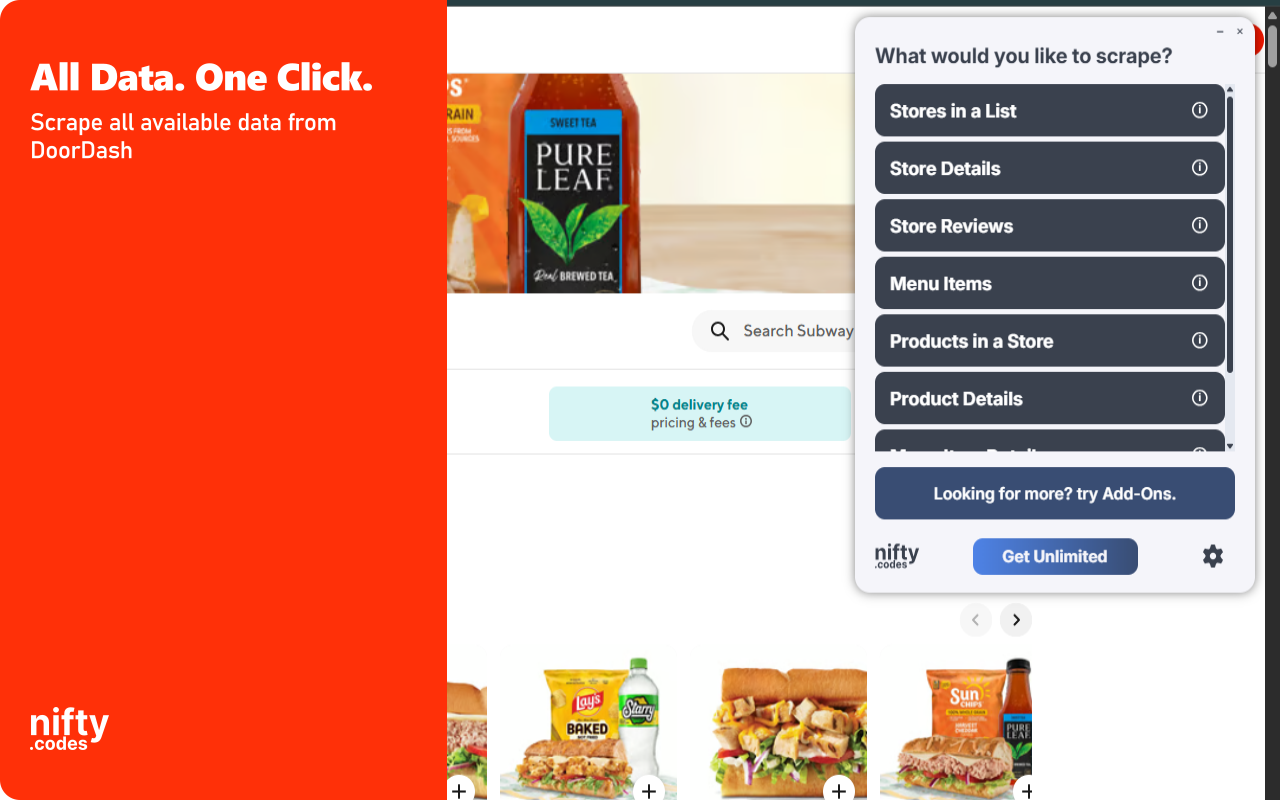
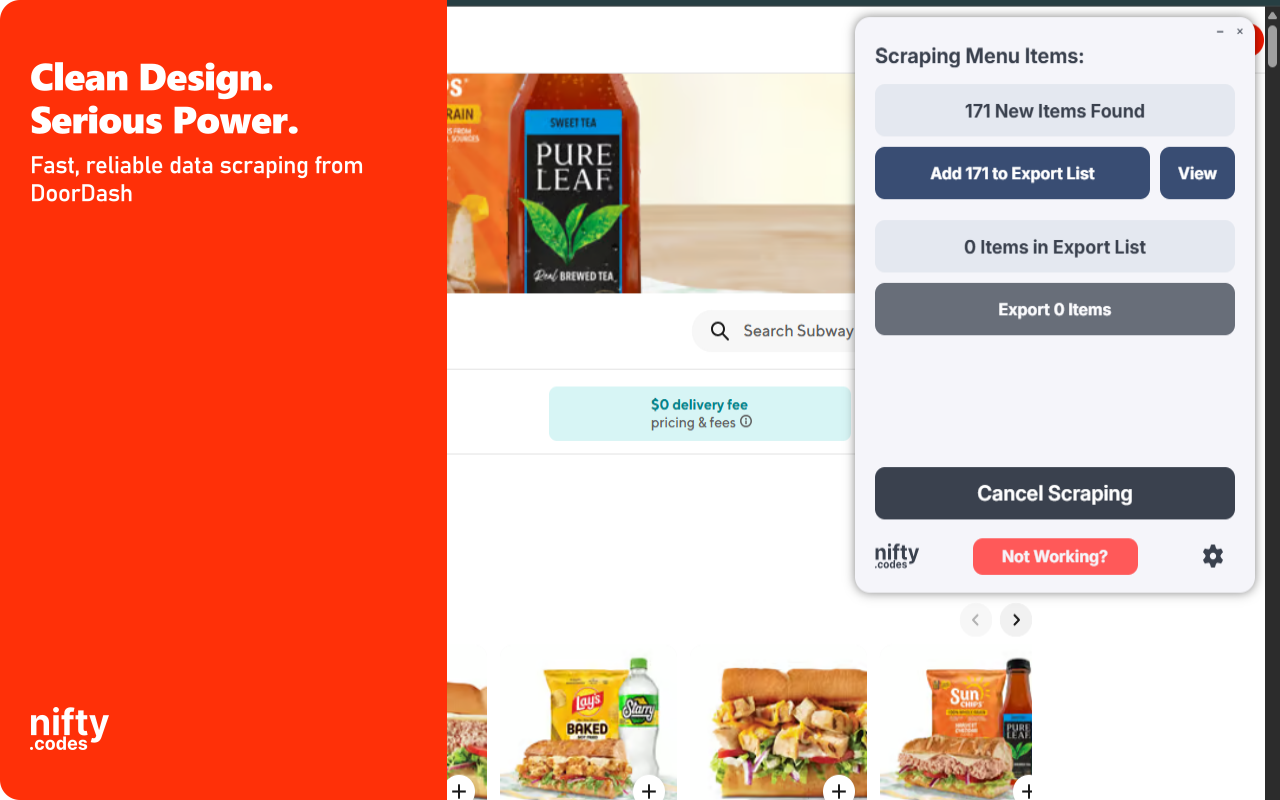
Open the page, pick one of these, and start collecting.
Stores in a List
16 fields
Store NameStore URLStore DescriptionStore RatingStore Reviews CountStore Price Range+10 more
Store Details
53 fields
Store NameStore DescriptionStore TimezoneStore Price RangeStore Price DisplayOffers Delivery+47 more
Store Reviews
14 fields
Reviewer NameRatingReview TextReview DateIs VerifiedHelpful Count+8 more
Menu Items
9 fields
Item NameItem DescriptionItem PriceItem Image URLItem CategoryItem Rating+3 more
Menu Item Details
16 fields
Item NameItem DescriptionItem PriceItem CurrencyItem Image URLItem Caloric Info+10 more
Menu Item Options
16 fields
Option IDOption NameOption Unit AmountOption CurrencyOption Display StringOption Caloric Info Display String+10 more
Products in a Store
16 fields
Product NameProduct PriceProduct Original PriceProduct DiscountProduct ImageProduct Menu ID+10 more
Product Details
26 fields
Product NameProduct DescriptionProduct Store IDProduct Menu IDProduct URLAll Product Images+20 more
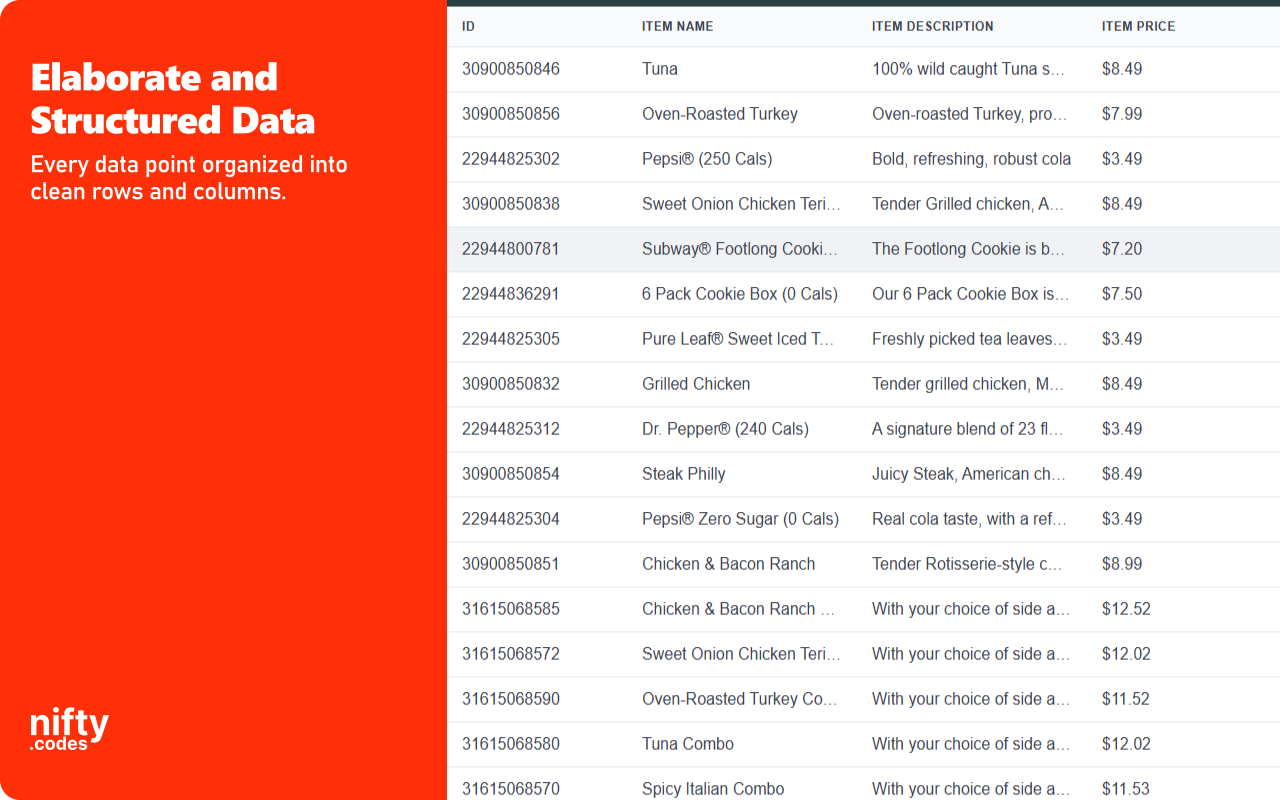
A look inside
Add-ons
Optional tools that extend what this scraper can do.
Page Watcher
Track changes on any page and get notified instantly. Set conditions on fields you care about and receive alerts via webhook or ntfy.sh when something changes.
Multi-URL Opener
Open and scrape multiple URLs in one go. Add URLs manually or auto-collect them from a list page, then batch-process and export all results.
Questions
How does this work?
Open the page you want to scrape, select the type of data you need from the list, and that's it. It just works. If you want to take it further, you can with customizations, webhooks, add-ons, and a lot more.
Is this reliable?
Very. We have 50+ scrapers and each one goes through a regular monthly testing cycle. On top of that, we take bug reports seriously and most issues are fixed within 48 hours.
Which websites does this scraper work on?
This scraper works on doordash.com.
Can I use this to monitor changes in pages?
Yes, we have a Page Watcher tool built for exactly that. It can track new results appearing in a list, or watch specific values like price or likes for any changes.
How much does this cost?
It's free to use with limits. To unlock everything, it's $9.99/month.
Do you offer a free trial?
We don't typically offer free trials. There are real costs behind keeping everything maintained and improving. That said, feel free to reach out through the Contact form. Sometimes we're in a good mood :)
Access API
Prefer the cloud? Run DoorDash Scraper through ready-made Apify actors.
Scrape and export store listings, restaurant menus, product catalogs, and customer reviews from the leading food delivery platform. This extension extracts data directly from DoorDash search results, store pages, and menu item details. All processing runs locally in your browser. Monitor stores for menu changes, price updates, and new reviews with automated alerts.
Key Features
✓ Monitor stores for menu updates, price changes, and new customer reviews
✓ All data extraction and processing runs locally in your browser
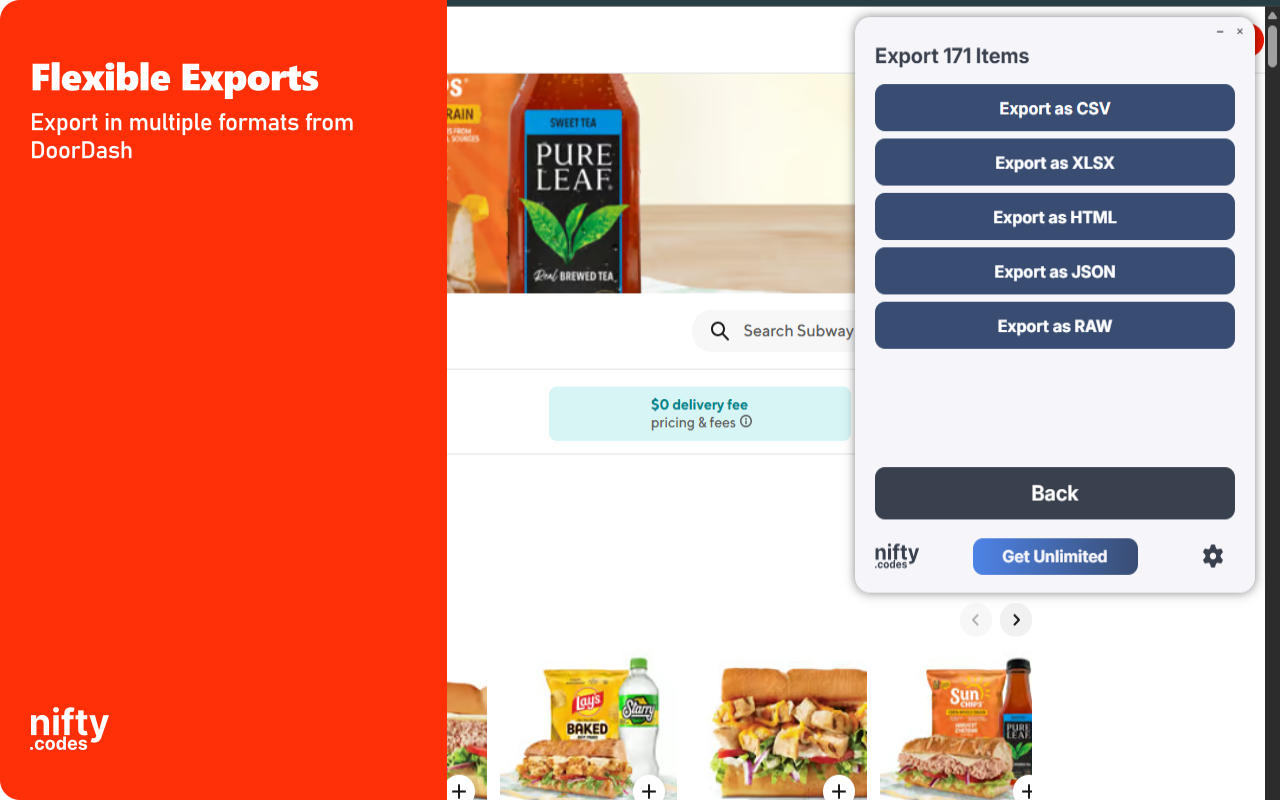
✓ Export to CSV, Excel (XLSX), JSON, HTML Table, and Raw JSON
✓ Automatic pagination to collect results across multiple pages
✓ Batch process multiple store and product URLs in a single session
✓ Customizable field selection and conditional formatting
✓ Supports restaurant menus, grocery items, and convenience store products
What Data You Can Extract
Stores in a List: Store Name, Store URL, Store Description, Store Rating, Store Reviews Count, Store Price Range, Store Distance, Store Delivery Time, Store Delivery Fee, Store Tags, Store Image, Store Is DashPass, Store Next Close Time, Store Next Open Time, Store Latitude, Store Longitude.
Store Details: Store Name, Store Description, Store Timezone, Store Price Range, Offers Delivery, Offers Pickup, Offers Group Order, Offers Catering, Is Convenience, Is DashPass, Store Address, Store City, Store State, Business Name, Business Tags, Delivery Fee, Delivery Time, Pickup Time, Cover Image, Rating Count, Avg Rating, Distance, Currency, Store Phone.
Store Reviews: Reviewer Name, Rating, Review Text, Review Date, Is Verified, Helpful Count, Store ID, Store URL, Items List, Reviewer ID, Reviewer Profile URI, Reviewer Description.
Menu Items: Item Name, Item Description, Item Price, Item Image URL, Item Category, Item Rating, Item Rating Count, Store ID, Store URL.
Menu Item Details: Item Name, Item Description, Item Price, Item Currency, Item Image URL, Item Caloric Info, Item Dietary Tags, Item Rating, Item Rating Count, Item Review Count, Item Serving Size.
Menu Item Options: Option ID, Option Name, Option Unit Amount, Option Currency, Option Caloric Info Display String, Option Dietary Tags List, Option Image URL, Option List Name, Option List Min Num Options, Option List Max Num Options.
Products in a Store: Product Name, Product Price, Product Original Price, Product Discount, Product Image, Product Badges, Product Collection Name, Product URL, Store Name, Store URL.
Product Details: Product Name, Product Description, All Product Images, Product Price, Product Currency, Product Unit Amount, Product Details, Product Unit, Product L1 Category, Product L2 Category, Product Size, Product Discount Percentage, Product Original Price, Product Price Per Unit.
Monitoring & Alerts
Page Watcher lets you track changes on any DoorDash page over time. Set conditions on specific fields such as menu price, delivery fee, or store rating. Receive notifications via webhook or ntfy.sh when your conditions are met, so you never miss a price change or new menu item.
Batch Processing
Batch URL Opener allows you to queue multiple DoorDash URLs for processing in one session. Add URLs manually or auto-collect them from search result pages. The extension processes each URL in sequence and compiles all extracted data into a single export file.
Export Formats
CSV, Excel (XLSX), JSON, HTML Table, Raw JSON.
Perfect For
This extension is ideal for restaurant analysts benchmarking competitor menus, delivery service researchers comparing pricing across regions, and food industry professionals tracking market trends. Use it to gather DoorDash store and menu data for competitive analysis, pricing research, or market mapping.
Supported Regions
The extension supports data extraction from DoorDash across the United States and all other regions where the platform operates.
Privacy & Security
All data extraction and exports occur locally on your device. No scraped content is transmitted externally. General usage metrics are collected to maintain and improve functionality.
Usage Notice
This extension provides tools for extracting publicly available data. Users are responsible for ensuring their use complies with applicable terms of service and local regulations. The developer provides the tool and is not liable for how it is used.
Technical Support
For assistance or questions, contact hello@nifty.codes.
Trademark
DoorDash is a registered trademark of DoorDash, Inc. This extension is an independent tool and is not affiliated with, endorsed by, authorized, maintained, or sponsored by DoorDash, Inc.