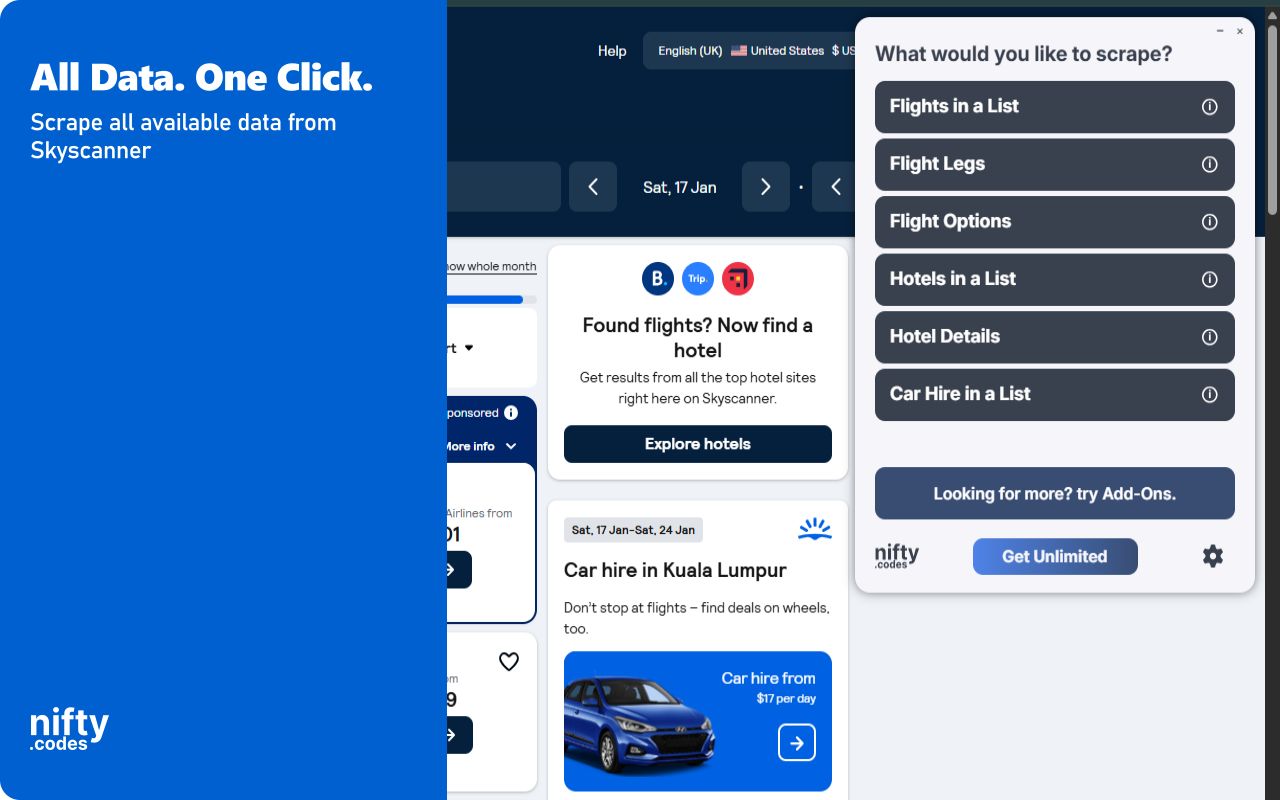
Open the page, pick one of these, and start collecting.
Flights in a List
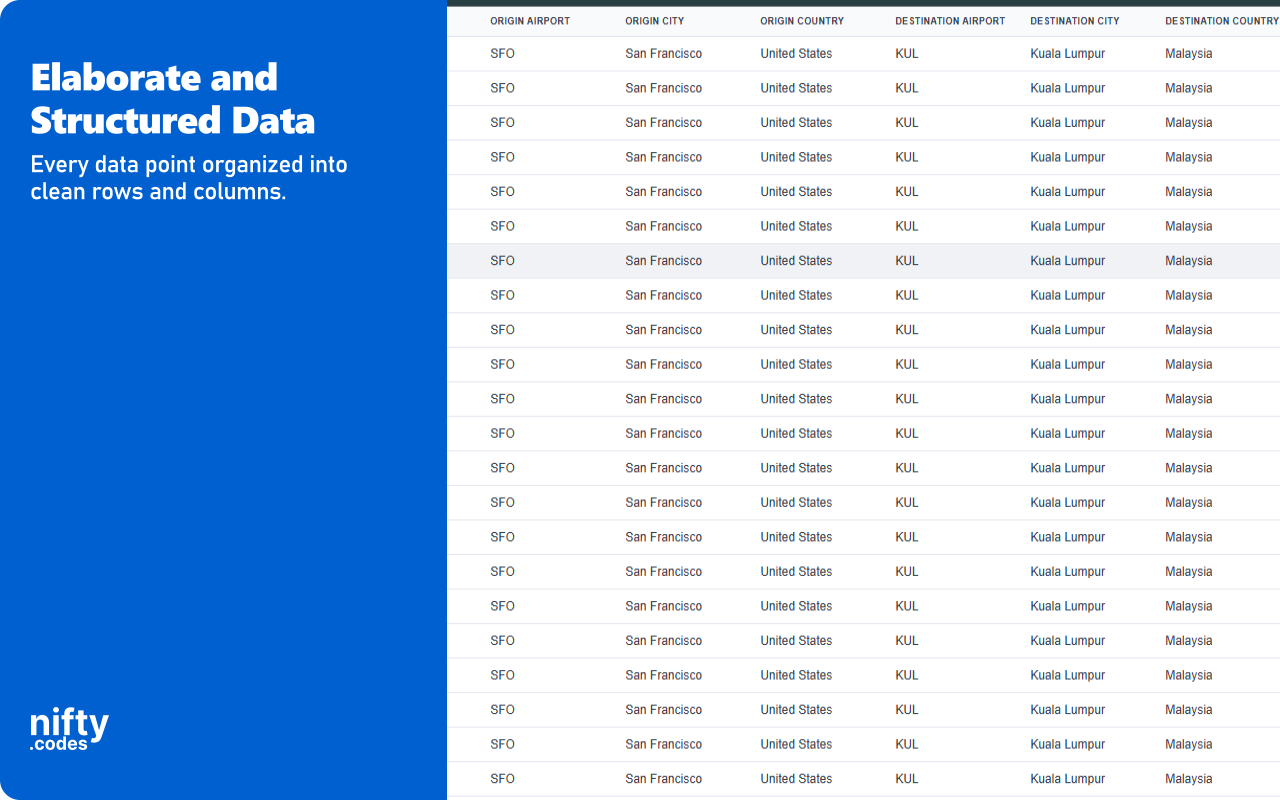
21 fields
Origin AirportOrigin CityOrigin CountryDestination AirportDestination CityDestination Country+15 more
Legs in a Flight
38 fields
Itinerary IDLeg IndexOrigin Airport CodeOrigin Airport NameOrigin City NameOrigin Country Name+32 more
Options in a Flight
21 fields
Itinerary IDPrice AmountPrice Currency CodePrice UnitAgent IDAgent Name+15 more
Hotels in a List
37 fields
Hotel NameNumber Of StarsHas Dbook LinkPriceBase PriceTotal Price With Taxes+31 more
Hotel Details
33 fields
Hotel NameNumber Of StarsCheck In TimeCheck Out TimeLocation AddressLocation Postcode+27 more
Car Hire in a List
34 fields
Vehicle NameOriginal Vehicle NameVehicle CategorySeatsBagsAir Conditioning+28 more
A look inside
Add-ons
Optional tools that extend what this scraper can do.
Page Watcher
Track changes on any page and get notified instantly. Set conditions on fields you care about and receive alerts via webhook or ntfy.sh when something changes.
Multi-URL Opener
Open and scrape multiple URLs in one go. Add URLs manually or auto-collect them from a list page, then batch-process and export all results.
Questions
How does this work?
Open the page you want to scrape, select the type of data you need from the list, and that's it. It just works. If you want to take it further, you can with customizations, webhooks, add-ons, and a lot more.
Is this reliable?
Very. We have 50+ scrapers and each one goes through a regular monthly testing cycle. On top of that, we take bug reports seriously and most issues are fixed within 48 hours.
Which websites does this scraper work on?
This scraper works on skyscanner.net, skyscanner.com, skyscanner.com.mx, skyscanner.co.uk, skyscanner.de, skyscanner.fr, skyscanner.es, skyscanner.it.
Can I use this to monitor changes in pages?
Yes, we have a Page Watcher tool built for exactly that. It can track new results appearing in a list, or watch specific values like price or likes for any changes.
How much does this cost?
It's free to use with limits. To unlock everything, it's $9.99/month.
Do you offer a free trial?
We don't typically offer free trials. There are real costs behind keeping everything maintained and improving. That said, feel free to reach out through the Contact form. Sometimes we're in a good mood :)
Version history
Updates and fixes, most recent first.
v3.4.5 · Jul 28, 2026v3.4.4 · Jul 26, 2026v3.4.3 · Jul 26, 2026v3.4.2 · Jul 24, 2026v3.4.1 · Jul 18, 2026v3.4.0 · Jul 14, 2026v3.3.4 · Jul 9, 2026v3.3.3 · Jun 25, 2026v3.3.2 · Jun 19, 2026v3.3.1 · Jun 7, 2026v3.3.0 · Jun 7, 2026v3.2.1 · Apr 20, 2026v3.2.0 · Apr 11, 2026v3.1.6 · Mar 21, 2026v3.1.5 · Mar 13, 2026v3.1.4 · Mar 12, 2026v3.1.3 · Mar 7, 2026v3.1.2 · Mar 2, 2026v3.1.1 · Feb 27, 2026v3.1.0 · Feb 24, 2026v3.0.1 · Jan 16, 2026v3.0.0 · Jan 12, 2026
Extract flight listings, hotel results, and car hire options from Skyscanner directly in your browser. This travel comparison scraper captures data from search results, itinerary details, booking options, and individual hotel pages, then exports everything in your preferred format. All processing happens locally on your machine. Set up monitoring to track fare changes or hotel price drops and receive instant alerts.
Key Features
✓ Monitor any Skyscanner page for changes and receive alerts via webhook or ntfy.sh
✓ All scraping runs locally in your browser, no data sent to external servers
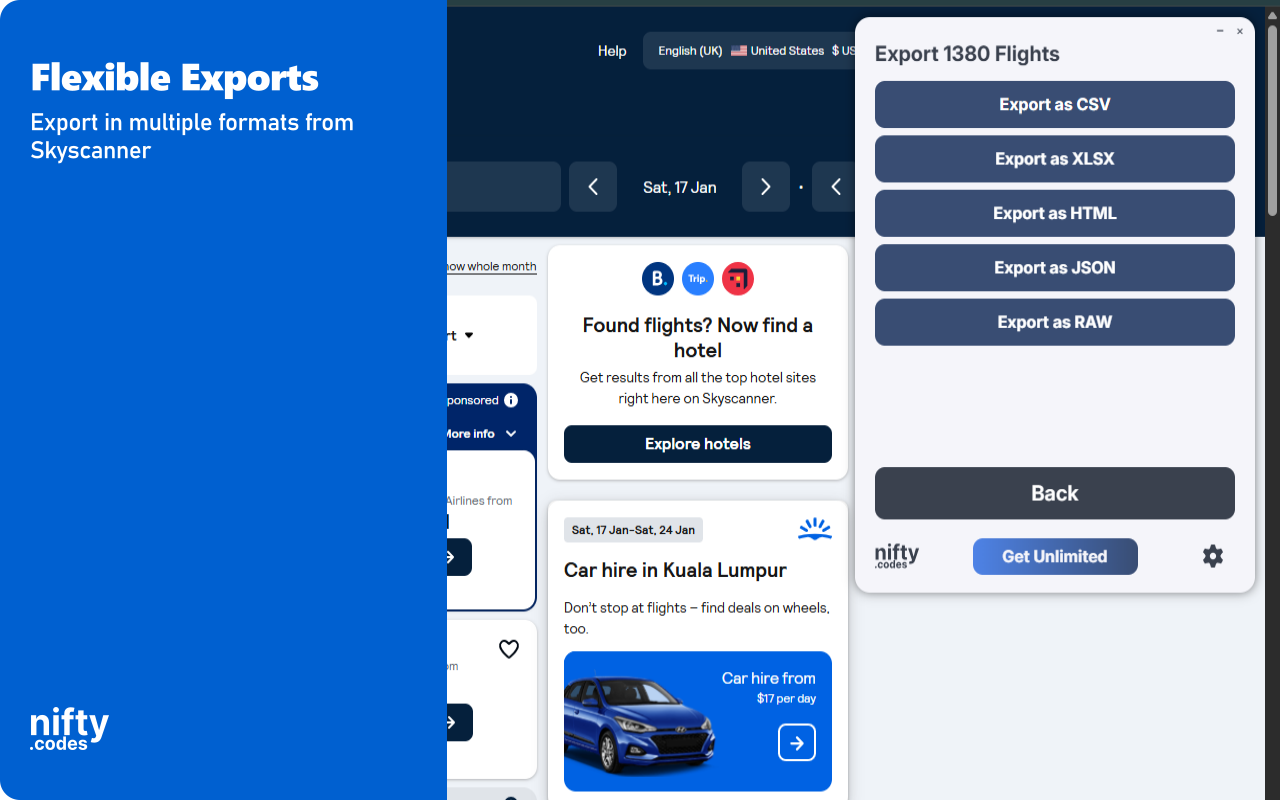
✓ Export in CSV, Excel (XLSX), JSON, HTML Table, and Raw JSON formats
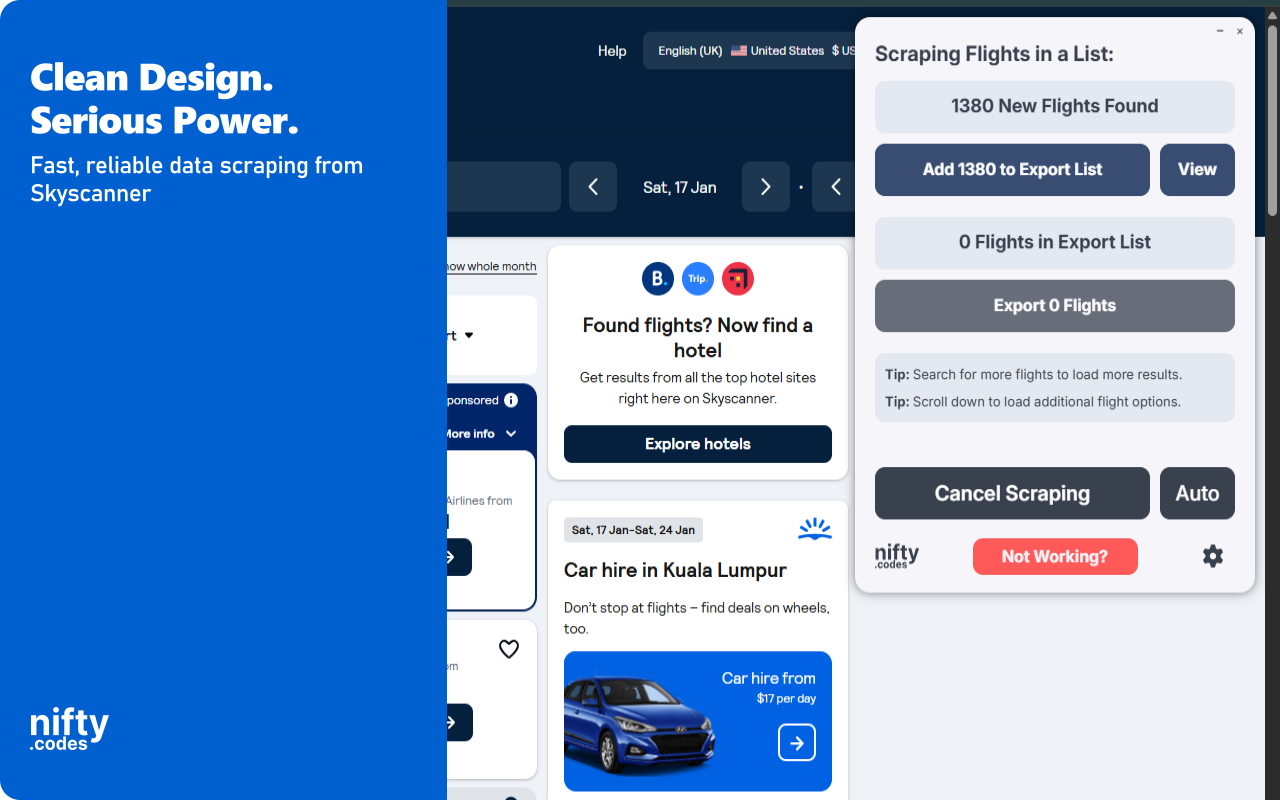
✓ Automatic pagination to capture full flight, hotel, and car hire result sets
✓ Batch process multiple search URLs in a single session
✓ Customize which fields to include in your export
✓ Extract detailed itinerary legs and booking options per flight
What Data You Can Extract
Flights: Origin and destination airports, cities, countries, departure and arrival times, duration, stop count, price, currency, carrier name, flight number, operating carrier, self transfer status, change and cancellation policies, and score.
Flight Legs: Itinerary ID, leg index, origin and destination details, departure and arrival dates and times, duration, stop count, day change, segment count, carriers, aircraft types, seat pitches, meals, WiFi, entertainment, power, layover airports, layover durations, connection times, and segment routes.
Flight Options: Price amount, currency, agent name, agent rating, booking URI, transfer protection, fare family, fare brand names, marketing carriers, flight numbers, route, total duration, and aircraft types.
Hotels: Hotel name, star rating, price, base price, total price with taxes, partner name, number of offers, amenities, review score, review summary, number of reviews, distance, city name, coordinates, images, and nearby points of interest.
Hotel Details: Hotel name, star rating, check-in and check-out times, full address, coordinates, media count, video URL, amenities, amenity groups, review score, review categories, review highlights, description, and nearby points of interest.
Car Hire: Vehicle name, category, seats, bags, air conditioning, fuel policy, supplier name, supplier rating, provider name, provider rating, price, currency, payment type, pickup and dropoff locations, fuel type, add-ons, deeplink, and images.
Monitoring & Alerts
Use the Page Watcher add-on to track changes on any Skyscanner page. Set conditions on specific fields such as flight price, hotel rate, or car hire cost, and receive instant notifications when values change. Alerts can be delivered via webhook or ntfy.sh, so you can track Skyscanner fare drops or availability changes without manually refreshing.
Batch Processing
The Batch URL Opener add-on lets you queue multiple Skyscanner search URLs for processing in one session. Add URLs manually or auto-collect them from result pages. Each URL is opened, scraped, and the results are combined into a single export file.
Export Formats
CSV
Excel (XLSX)
JSON
HTML Table
Raw JSON
Perfect For
This extension is ideal for travelers comparing Skyscanner fares across dates, travel agents compiling pricing data, and researchers analyzing flight or hotel trends. Use it to monitor price fluctuations on Skyscanner or build datasets of travel options across destinations.
Supported Regions
This extension works with Skyscanner globally, supporting all regional domains including .net, .com, .co.uk, .de, .fr, .es, .it, .com.mx, and more.
Privacy & Security
All scraping and data exports are processed locally on your machine. General usage metrics are collected to help improve the extension, but your scraped data is never transmitted to external servers.
Usage Notice
This extension provides tools for extracting publicly available data. Users are responsible for ensuring their use complies with applicable terms of service and local regulations. The developer provides the tool and is not liable for how it is used.
Technical Support
For assistance or questions, contact hello@nifty.codes.
Trademark
Skyscanner is a registered trademark of Skyscanner Ltd. (Trip.com Group). This extension is an independent tool and is not affiliated with, endorsed by, authorized, maintained, or sponsored by Skyscanner Ltd. (Trip.com Group).