
Spotify Album Details Scraper
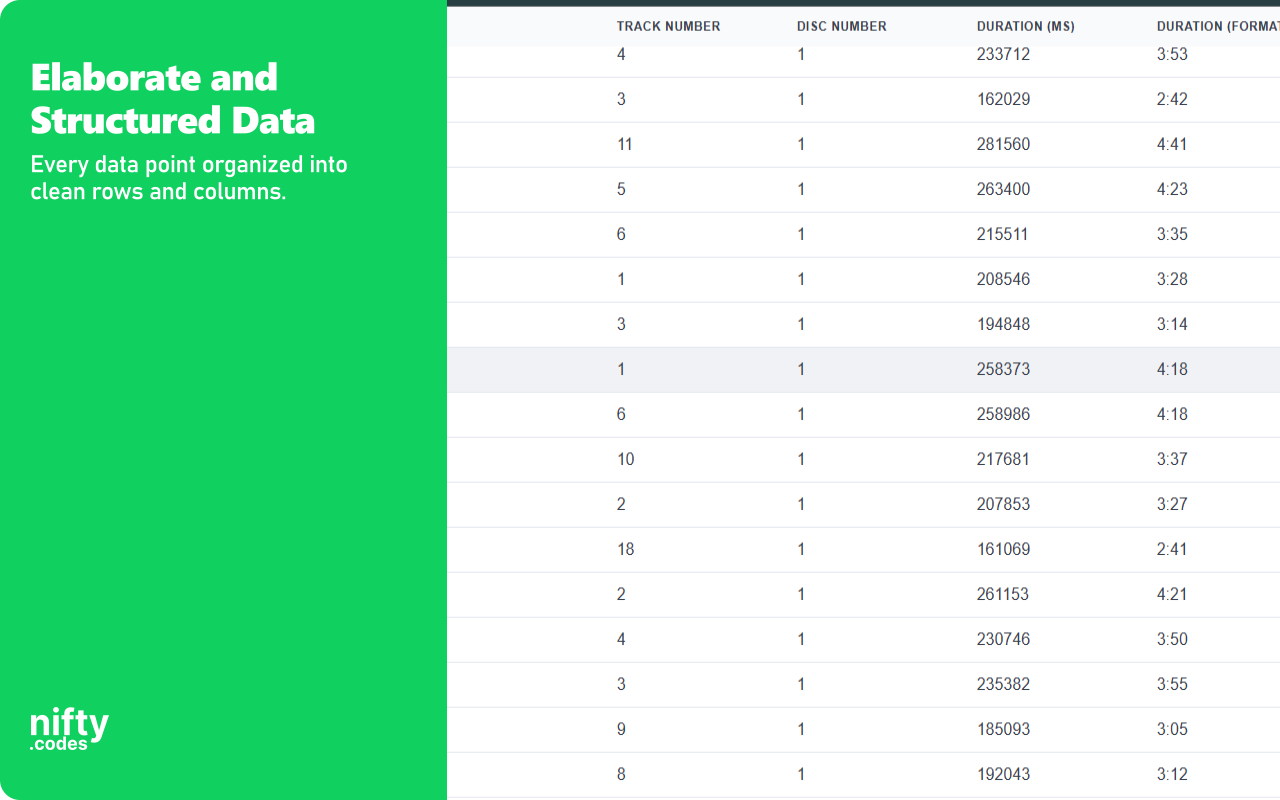
Extract album metadata, track lists, and copyright info from Spotify album pages. Powered by Spotify Scraper.
spotify-albumdetails-scraper
Open in Apify →

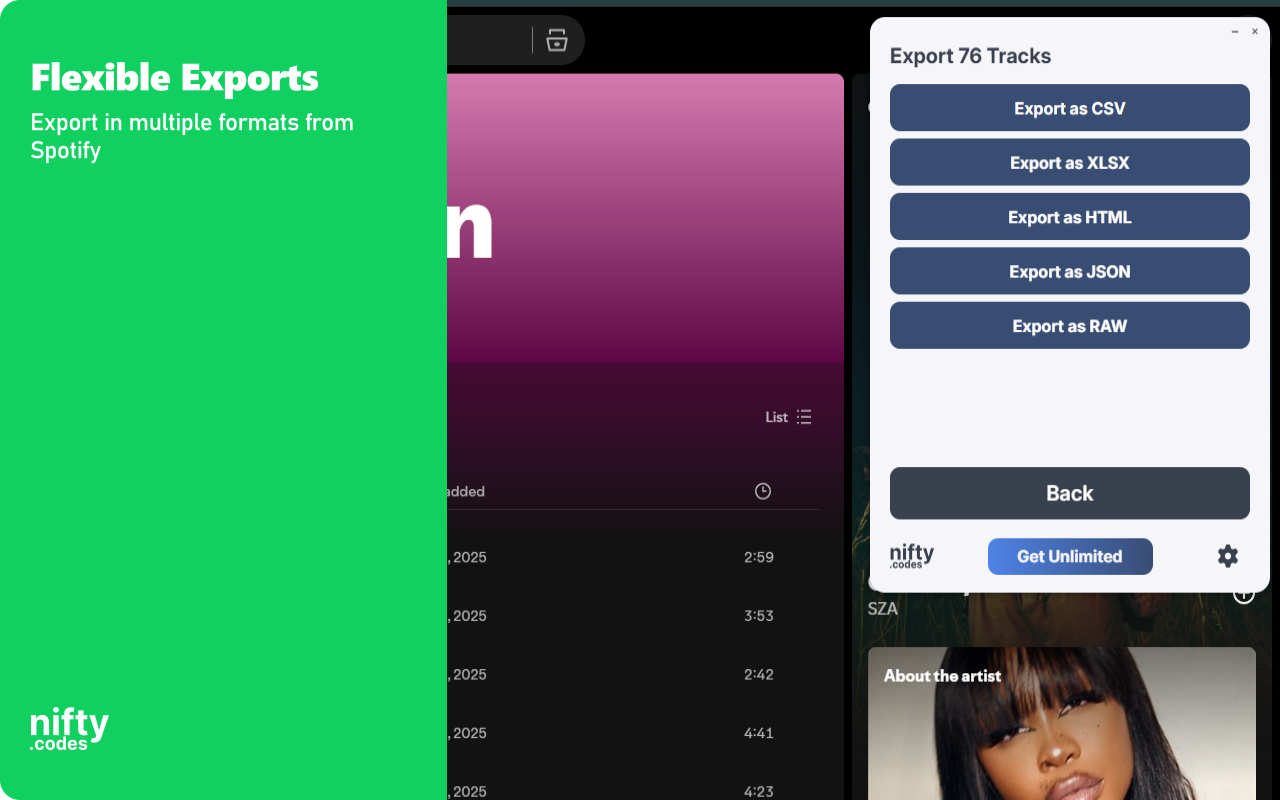
Spotify Scraper: Collect albums, lyrics, profiles & discography data. Export to CSV, JSON, XLSX effortlessly.
Open the page, pick one of these, and start collecting.
Optional tools that extend what this scraper can do.
Track changes on any page and get notified instantly. Set conditions on fields you care about and receive alerts via webhook or ntfy.sh when something changes.
Open and scrape multiple URLs in one go. Add URLs manually or auto-collect them from a list page, then batch-process and export all results.
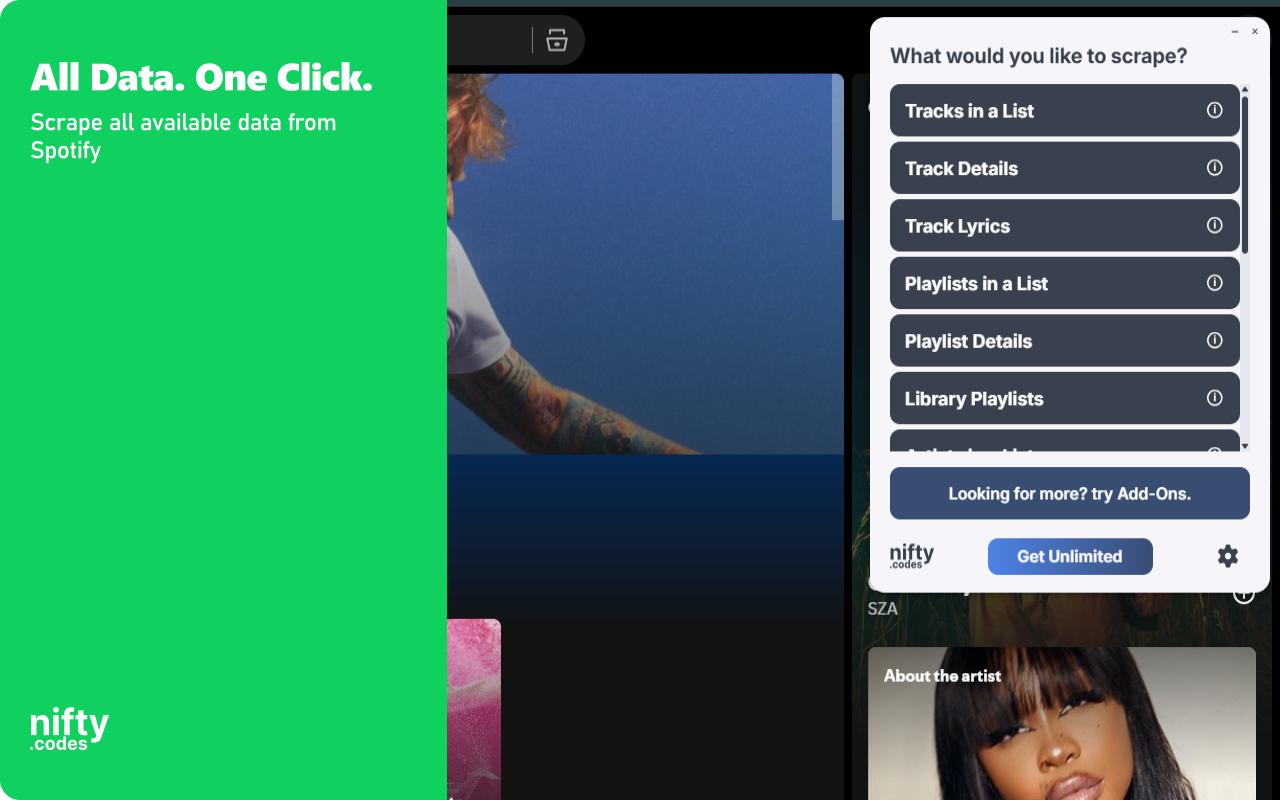
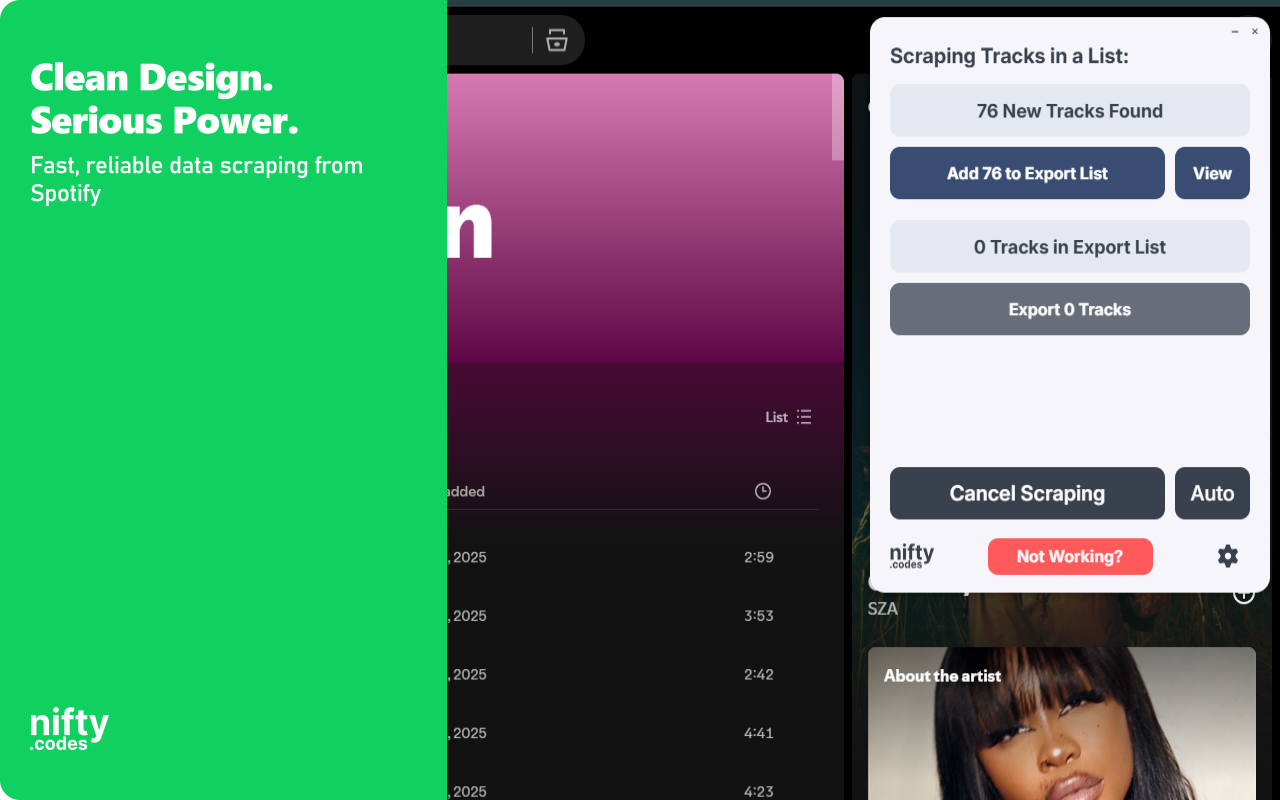
Open the page you want to scrape, select the type of data you need from the list, and that's it. It just works. If you want to take it further, you can with customizations, webhooks, add-ons, and a lot more.
Very. We have 50+ scrapers and each one goes through a regular monthly testing cycle. On top of that, we take bug reports seriously and most issues are fixed within 48 hours.
This scraper works on spotify.com.
Yes, we have a Page Watcher tool built for exactly that. It can track new results appearing in a list, or watch specific values like price or likes for any changes.
It's free to use with limits. To unlock everything, it's $9.99/month.
We don't typically offer free trials. There are real costs behind keeping everything maintained and improving. That said, feel free to reach out through the Contact form. Sometimes we're in a good mood :)
Prefer the cloud? Run Spotify Scraper through ready-made Apify actors.
Extract album metadata, track lists, and copyright info from Spotify album pages. Powered by Spotify Scraper.
Extract albums from Spotify search results and artist pages with release years, artist names, and cover art. Powered by Spotify Scraper.
Extract artist biographies, monthly listeners, world rankings, social links, and discography stats from Spotify artist pages. Powered by Spotify Scraper.
Extract music releases from artist discography pages including release dates, IDs, and cover art. Powered by Spotify Scraper.
Extract artist names, URIs, verified status, and avatar URLs from search results and related artist lists. Powered by Spotify Scraper.
Extract playlist metadata including follower counts, owner details, and cover images from Spotify playlist pages. Powered by Spotify Scraper.
Extract playlists from search results and user profiles with names, descriptions, and owner details. Powered by Spotify Scraper.
Extract Spotify user profiles from search results and follower lists with IDs, URIs, and display names. Powered by Spotify Scraper.
Extract tracks from Spotify playlists, albums, and search results with metadata and durations. Powered by Spotify Scraper.
Updates and fixes, most recent first.
Find the one for the site you use next.