Ticketmaster Scraper

Ticketmaster Scraper: Extract Ticketmaster events, tickets, artists & more. Export to CSV, JSON, XLSX.

Version 3.1.2
Scraping Options 6
Supported Sites 28

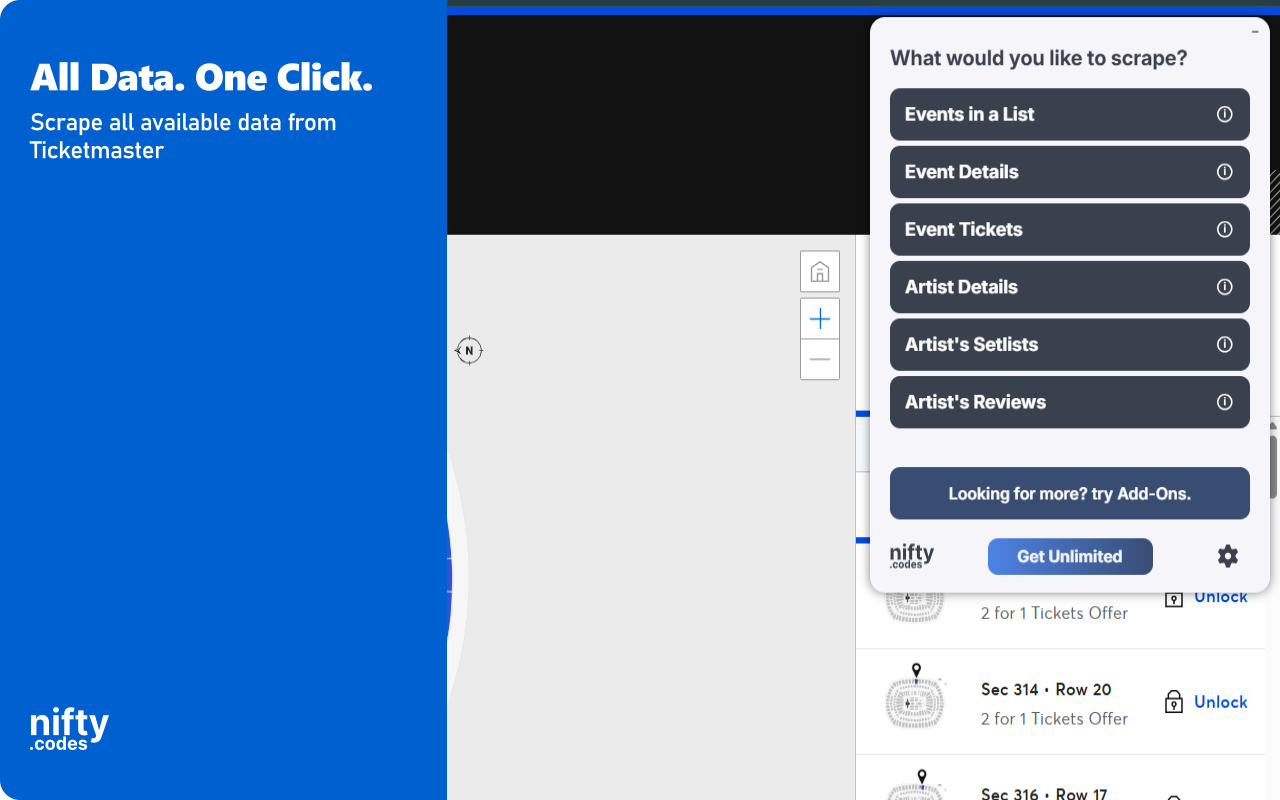
What You Can Scrape

Choose from multiple scraping options based on your needs

Events in a List

22 fields
Event Title Event Date Event Onsale Date Event URL Event Status Is Cancelled +16 more

Event Details

24 fields
Event Name Event Date Event Time Event Status Event URL Event Image +18 more

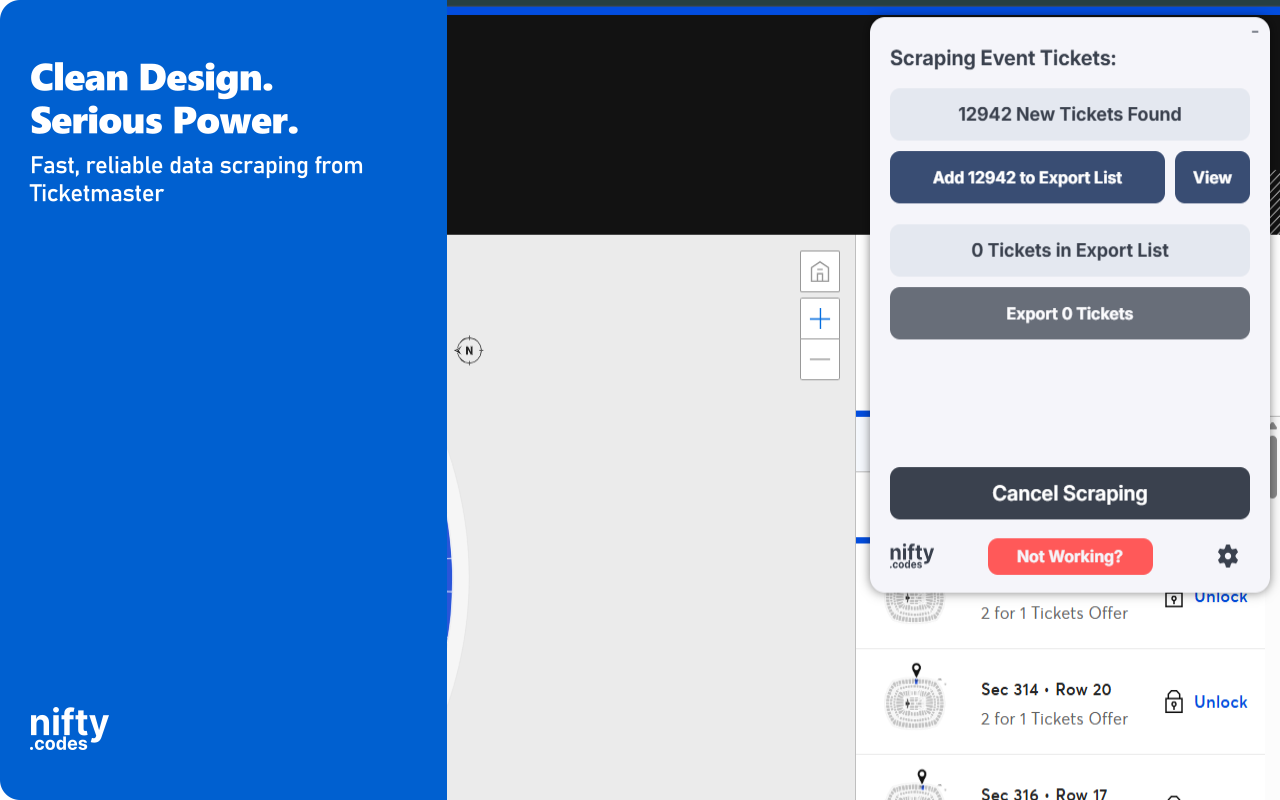
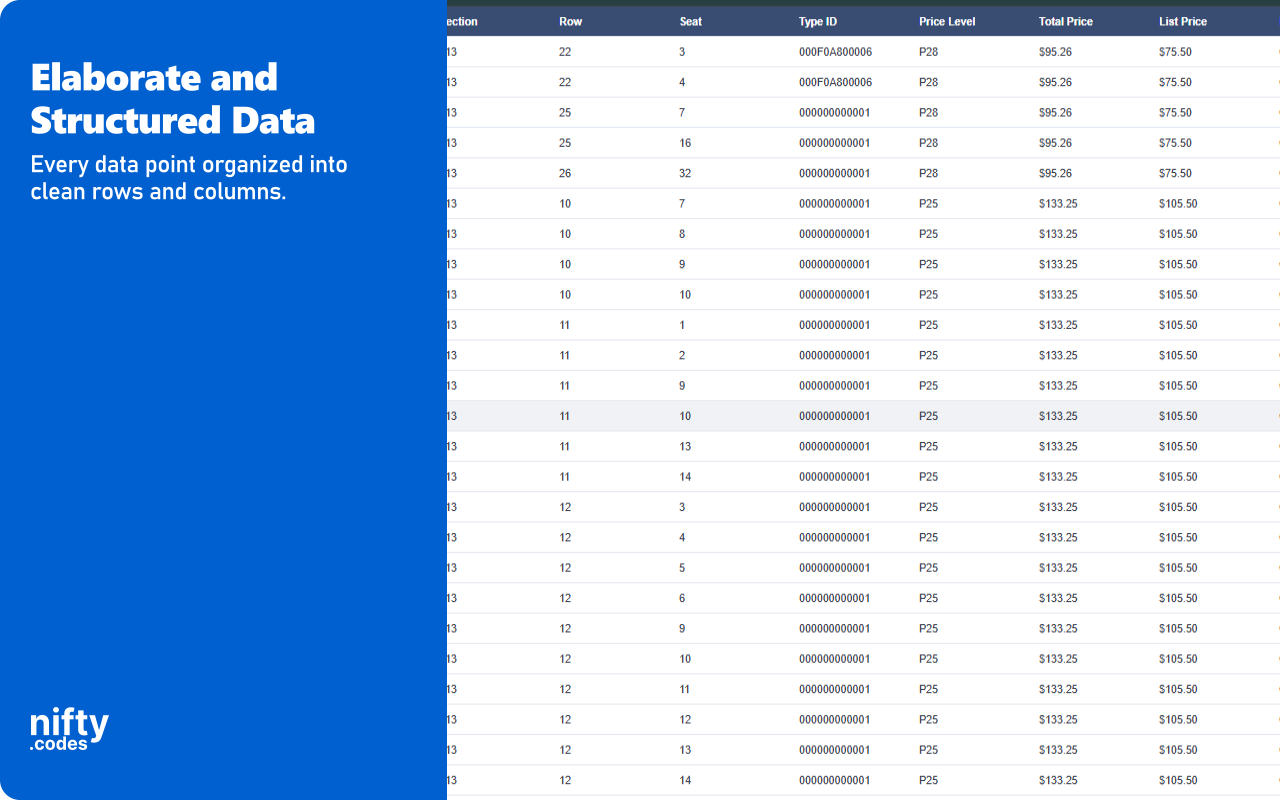
Event Tickets

39 fields
Ticket Name Ticket URL Offer ID Available Section Row +33 more

Artist Details

9 fields
Artist Name Artist URL Artist Image Artist Type Artist Sub Type Artist Major Category +3 more

Artist's Setlists

13 fields
Venue Name City Name Event Date Country Name Songs Artist Name +7 more

Artist's Reviews

5 fields
Review Title Review Text Review Rating Review Date Reviewer Name

Available Add-ons

Extend your scraper with powerful add-ons.

Batch URL Opener

Open and scrape multiple URLs in one go. Add URLs manually or auto-collect them from a list page, then batch-process and export all results.

Page Watcher

Track changes on any page and get notified instantly. Set conditions on fields you care about and receive alerts via webhook or ntfy.sh when something changes.

Screenshots

Screenshot 1
Screenshot 2
Screenshot 3
Screenshot 4
Screenshot 5

Supported Sites

ticketmaster.com ticketmaster.com.au ticketmaster.be ticketmaster.com.br ticketmaster.ca ticketmaster.cz ticketmaster.cl ticketmaster.dk ticketmaster.de ticketmaster.es ticketmaster.fr ticketmaster.ie ticketmaster.it ticketmaster.com.mx ticketmaster.nl ticketmaster.co.nz ticketmaster.no ticketmaster.at ticketmaster.pe ticketmaster.pl ticketmaster.sg ticketmaster.co.za ticketmaster.fi ticketmaster.se ticketmaster.ch ticketmaster.ae ticketmaster.co.uk ticketmaster.gr

All Fields

About Ticketmaster Scraper

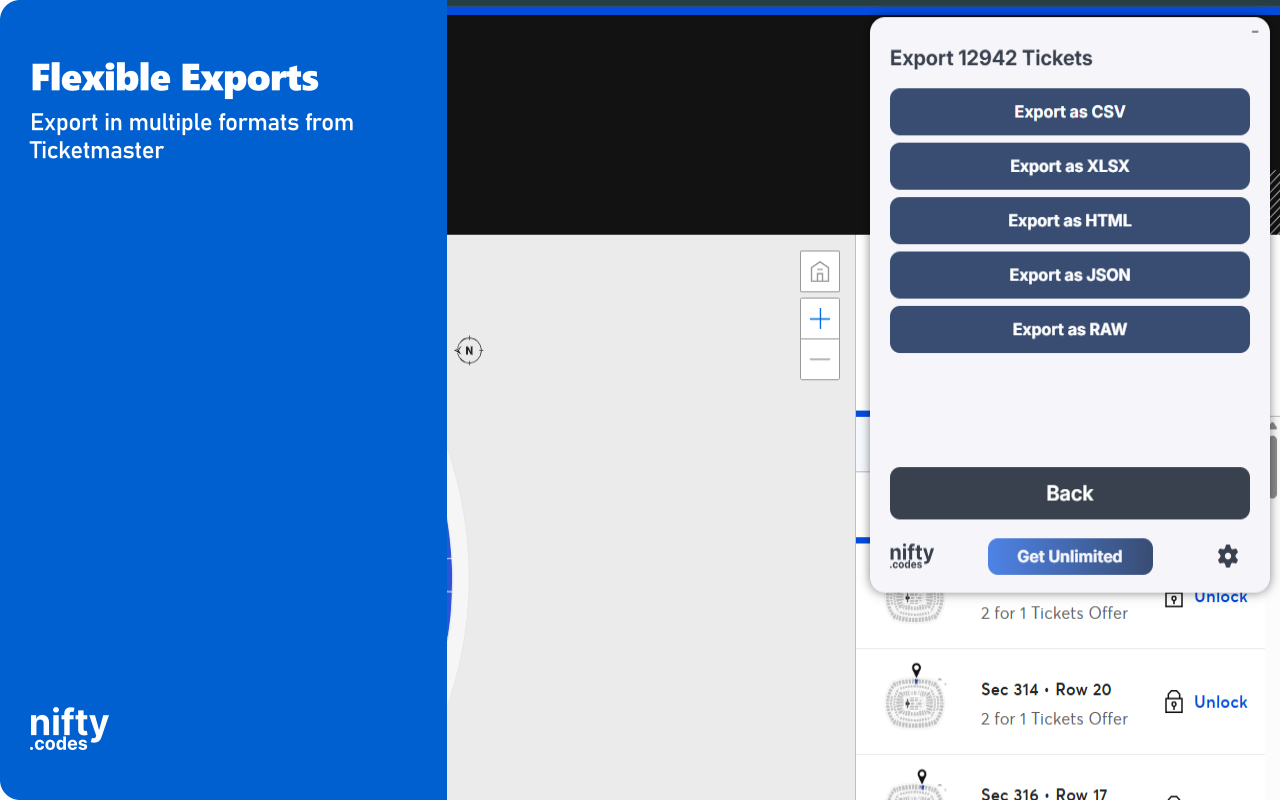
Extract event listings, ticket availability, artist profiles, setlists, and reviews directly from Ticketmaster with this browser extension. This tool automates the collection of publicly available event data from search results, category pages, and individual event pages. All processing runs locally in your browser for speed and privacy. Built-in monitoring tools let you track ticket availability changes and receive instant alerts. Key Features ✓ Monitor Ticketmaster event pages for ticket availability and price changes with alerts ✓ All scraping and data processing performed locally in your browser ✓ Export to CSV, Excel (XLSX), JSON, HTML Table, and Raw JSON ✓ Automatic pagination to capture complete event listings ✓ Batch processing for scraping multiple event and artist pages at once ✓ Customizable field selection and conditional formatting What Data You Can Extract Events in a List: Event title, date, onsale date, URL, status, venue details (name, city, state, country, address, postal code, coordinates), artist names and IDs, time zone, and availability flags. Event Details: Event name, date, time, status, URL, image, ticket limit, venue details, primary and secondary artist details, category, genre, and subgenre. Event Tickets: Ticket name, URL, offer ID, availability, section, row, seat, type, price levels, total price, list price, descriptions, plus full event and venue details. Artist Details: Artist name, URL, image, type, subtype, categories, and synopsis. Setlists: Venue, city, date, country, and songs performed, along with artist details. Reviews: Review title, text, rating, date, and reviewer name. Monitoring and Alerts Use the Page Watcher to track changes on any Ticketmaster event or artist page over time. Set conditions on specific fields such as ticket availability, price levels, or event status. Receive notifications via webhook or ntfy.sh whenever your defined conditions are met, so you never miss a ticket drop or price change. Batch Processing The Batch URL Opener lets you queue multiple Ticketmaster URLs for automated scraping. Add URLs manually or auto-collect them from search results and category pages. The extension processes each page sequentially, gathering data and compiling results into a single export file. Export Formats CSV, Excel (XLSX), JSON, HTML Table, Raw JSON Perfect For This extension is ideal for event enthusiasts, concert researchers, and data analysts who need to collect Ticketmaster event and ticket information. It simplifies tracking artist tours, comparing ticket prices, and archiving event details across multiple venues. Supported Regions This extension supports Ticketmaster domains globally, including the US, Canada, UK, Australia, and over 20 additional country-specific sites. Privacy and Security All scraping and exports happen locally on your machine. General usage metrics are collected to improve the extension, but no scraped content is transmitted to external servers. Usage Notice This extension provides tools for extracting publicly available data. Users are responsible for ensuring their use complies with applicable terms of service and local regulations. The developer provides the tool and is not liable for how it is used. Technical Support For assistance or questions, contact hello@nifty.codes. Trademark Ticketmaster is a registered trademark of Live Nation Entertainment, Inc. This extension is an independent tool and is not affiliated with, endorsed by, authorized, maintained, or sponsored by Live Nation Entertainment, Inc.