Tumblr Scraper

For Tumblr

Tumblr Scraper: Extract Tumblr posts, communities, reblogs & more. Export to CSV, JSON, XLSX with ease.

Version 3.1.1
Scraping Options 7

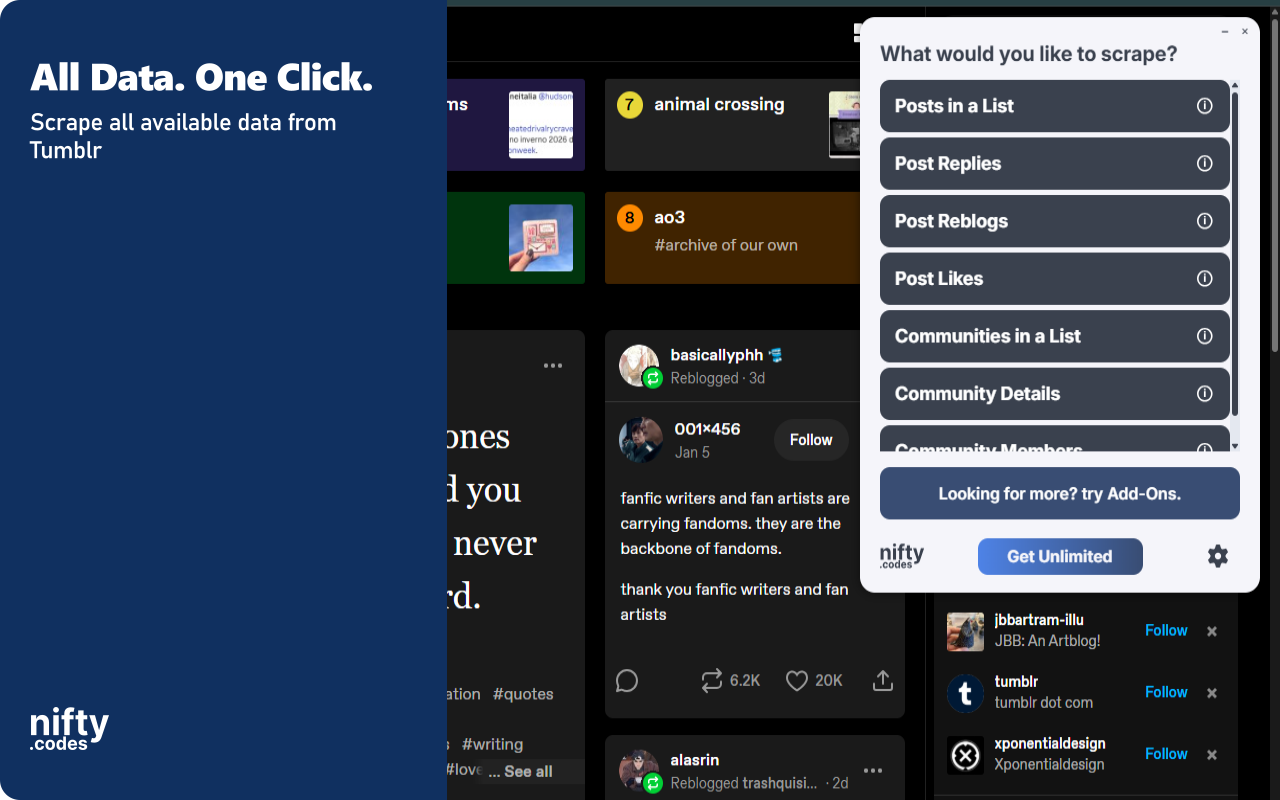
What You Can Scrape

Choose from multiple scraping options based on your needs

Posts in a List

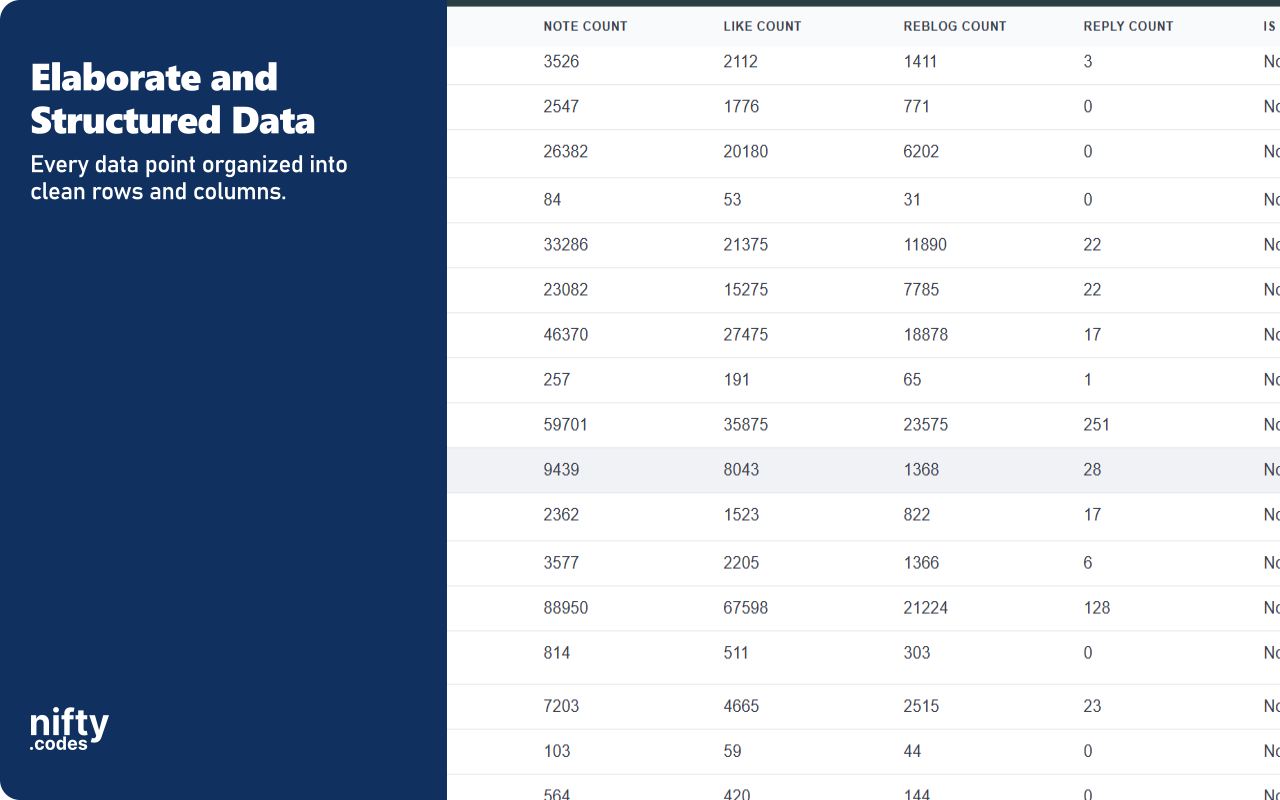
32 fields
Blog Name Post URL Is Community Tumblr Post URL Post Type Summary +26 more

Post Replies

16 fields
Reply Text Reply URL Timestamp Reply Date Like Count Reply Count +10 more

Post Reblogs

12 fields
Post ID Reblog Type Reblog Content Timestamp Reblog Date Tags +6 more

Post Likes

10 fields
Blog Name Blog Title Blog URL Blog Tumblr URL Followed Avatar Shape +4 more

Communities in a List

14 fields
Community Name Community URL Community Title Description Member Count Mention Tag +8 more

Community Details

28 fields
Community Name Community Title Community URL Description About Is Member +22 more

Community Members

13 fields
Member Name Member Title Member URL Description Is Online Is Mutual +7 more

Available Add-ons

Extend your scraper with powerful add-ons.

Batch URL Opener

Open and scrape multiple URLs in one go. Add URLs manually or auto-collect them from a list page, then batch-process and export all results.

Page Watcher

Track changes on any page and get notified instantly. Set conditions on fields you care about and receive alerts via webhook or ntfy.sh when something changes.

Screenshots

Screenshot 1
Screenshot 2
Screenshot 3
Screenshot 4
Screenshot 5

All Fields

About Tumblr Scraper

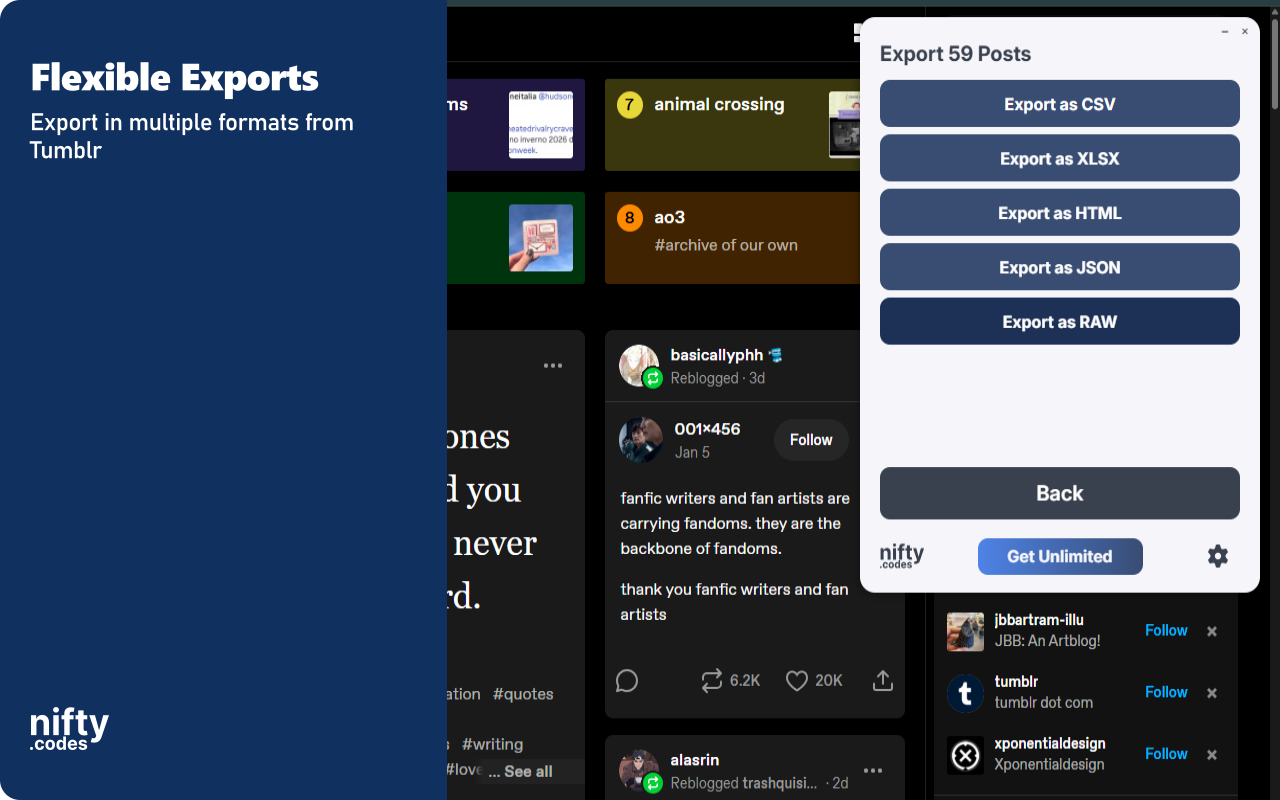
Tumblr Scraper and Export Tool This browser extension extracts posts, reblogs, replies, and community data directly from Tumblr. It automates the collection of blog content, engagement metrics, and member information, all processed locally in your browser. Built-in monitoring keeps you informed when pages change or new content appears. Key Features ✓ Monitor pages for changes and receive instant alerts ✓ All data processing happens locally in your browser ✓ Export to CSV, Excel (XLSX), JSON, HTML Table, and Raw JSON ✓ Automatic pagination for collecting large datasets ✓ Batch processing for scraping multiple URLs at once ✓ Customizable field selection and conditional formatting What Data You Can Extract Posts: Blog name, post URL, content type, media count, tags, note counts (likes, reblogs, replies), publication date, NSFW classification, and avatar details. Replies: Reply text, timestamps, like counts, blog details of the respondent, parent reply references, and reply URLs. Reblogs: Post ID, reblog content, parent blog name, tags, community labels, and reblog dates. Likes: Blog title, blog URL, follow status, avatar URLs, and timestamps of each interaction. Communities: Community name, title, description, member count, tags, visibility settings, and header images. Community Details: Member counts, online status, post count, join type, language, guidelines, related communities, and creation date. Community Members: Member names, join dates, roles (admin, moderator), mutual follow status, online status, and avatar URLs. Monitoring & Alerts Page Watcher lets you track changes on any Tumblr page and get notified instantly. Set conditions on specific fields you care about, such as note counts or member numbers, and receive alerts via webhook or ntfy.sh when those conditions are met. Batch Processing Batch URL Opener allows you to queue multiple Tumblr URLs for scraping in one session. Add URLs manually or auto-collect them from a search or listing page, then batch-process all results and export everything at once. Export Formats CSV, Excel (XLSX), JSON, HTML Table, Raw JSON Perfect For This extension is ideal for users who need to archive Tumblr blog content, track community growth, or collect engagement data from posts and reblogs. It provides a structured way to move Tumblr data into local files for analysis and record-keeping. Supported Regions This extension works globally on the tumblr.com domain. It supports all regions where Tumblr is accessible. Privacy & Security All scraping and exports are performed locally on your machine. No scraped data is sent to external servers. General usage metrics are collected to support core functionality and improve the extension. Usage Notice This extension provides tools for extracting publicly available data. Users are responsible for ensuring their use complies with applicable terms of service and local regulations. The developer provides the tool and is not liable for how it is used. Technical Support For assistance or questions, contact hello@nifty.codes. Trademark Tumblr is a registered trademark of Automattic Inc. This extension is an independent tool and is not affiliated with, endorsed by, authorized, maintained, or sponsored by Automattic Inc.