Twitch Scraper

For Twitch

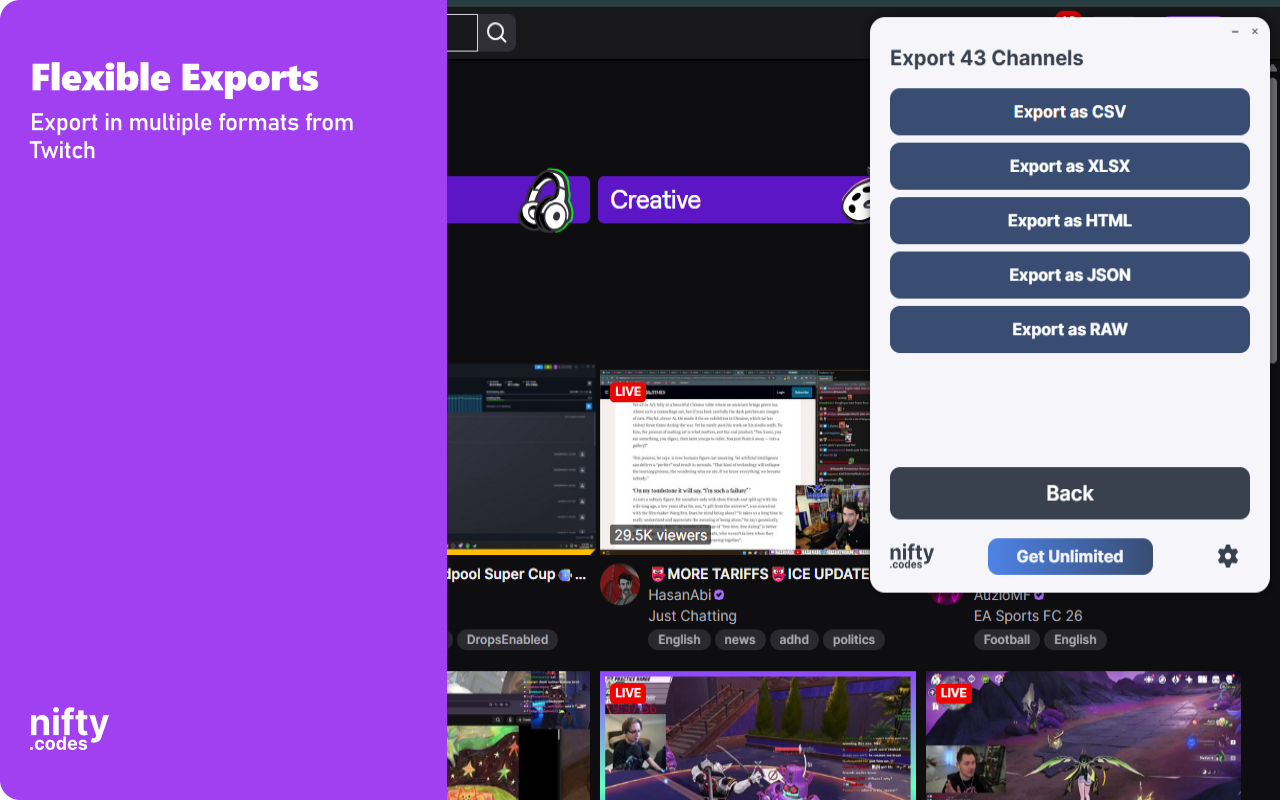
Scrape Clips, Chat, Users, and more from Twitch, with options to export in formats such as CSV, Excel, JSON and others

Version 3.2.0
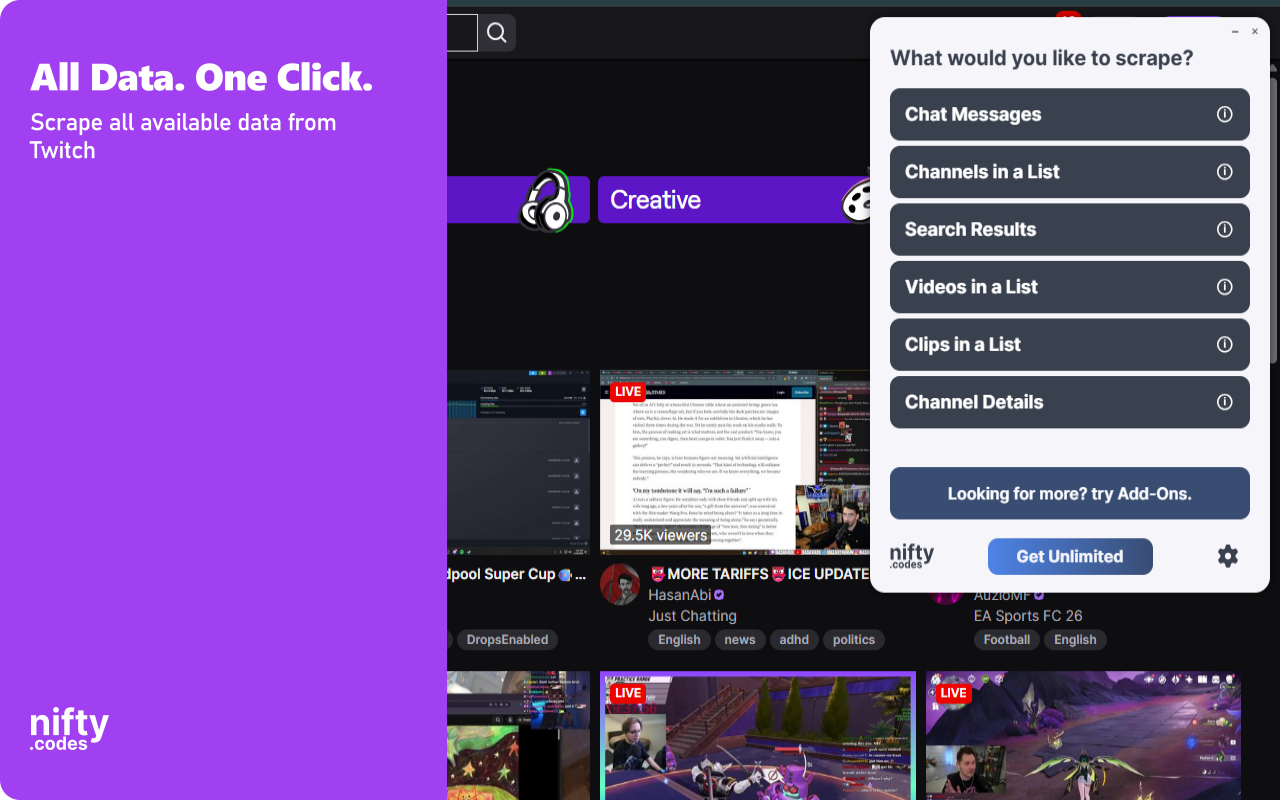
Scraping Options 6

What You Can Scrape

Choose from multiple scraping options based on your needs

Chat Messages

18 fields
Message Body User Display Name User Login User ID User Type User Color +12 more

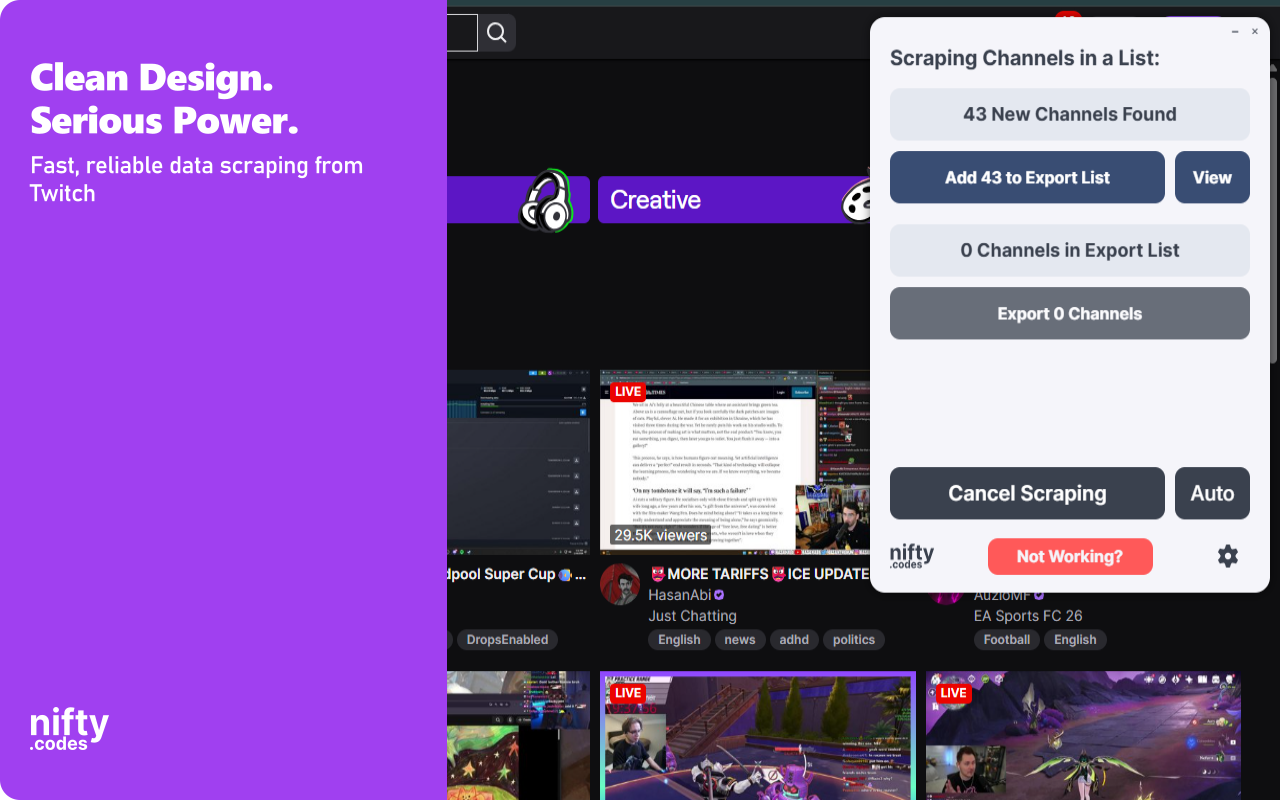
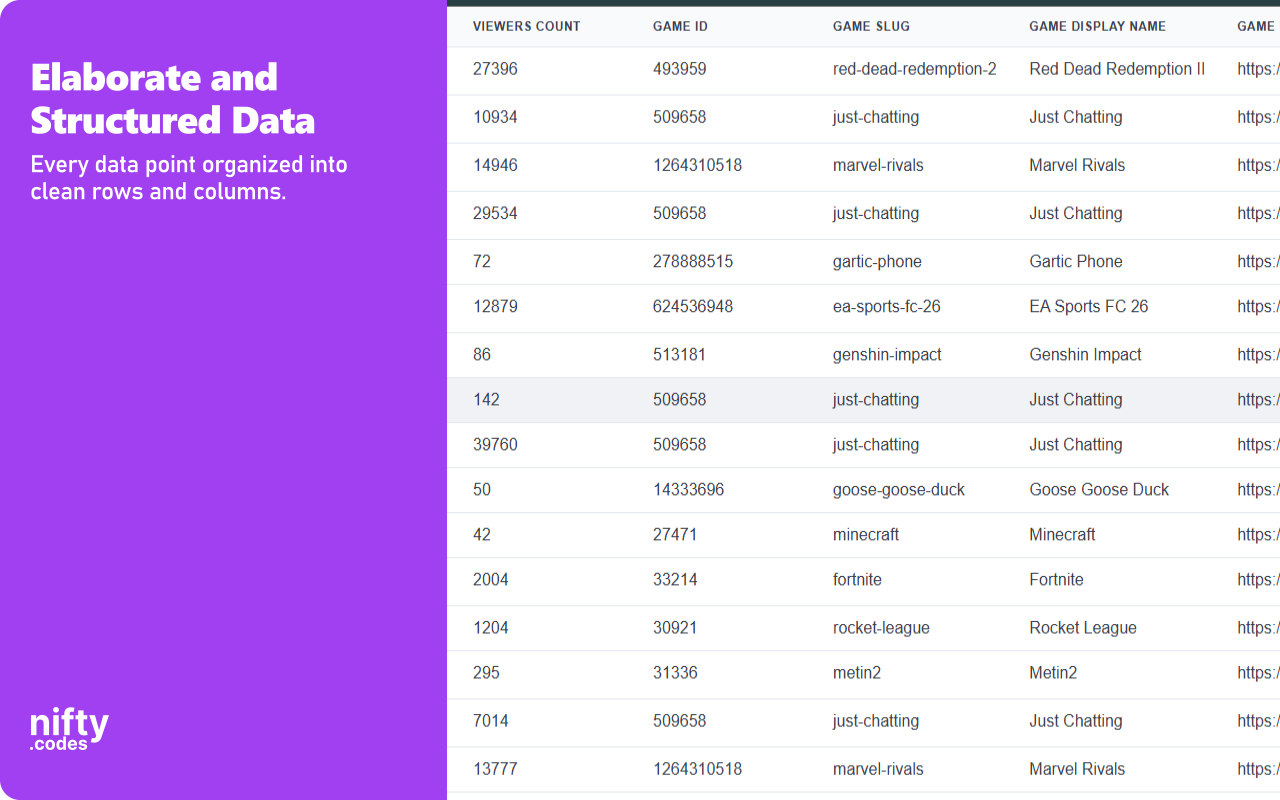
Channels in a List

15 fields
User ID User Login User Display Name User Profile Image URL User Primary Color Stream Title +9 more

Search Results

27 fields
User Login Display Name Profile Image URL Description Broadcast Title Followers Count +21 more

Videos in a List

21 fields
Title Length Seconds View Count Published At Owner ID Owner Login +15 more

Clips in a List

23 fields
Title Duration Seconds View Count Language Created At Slug +17 more

Channel Details

18 fields
Display Name Description Primary Color Profile Image URL Followers Count Is Partner +12 more

Available Add-ons

Extend your scraper with powerful add-ons.

Batch URL Opener

Open and scrape multiple URLs in one go. Add URLs manually or auto-collect them from a list page, then batch-process and export all results.

Page Watcher

Track changes on any page and get notified instantly. Set conditions on fields you care about and receive alerts via webhook or ntfy.sh when something changes.

Screenshots

Screenshot 1
Screenshot 2
Screenshot 3
Screenshot 4
Screenshot 5

All Fields

About Twitch Scraper

Twitch Data Scraper & Monitoring Tool Extract data from Twitch efficiently with this browser extension. It allows you to scrape live stream information, channel details, clips, and chat messages directly from the platform. The extension automates the collection process across various Twitch pages. You can export the gathered information into several file formats for local storage. Key Features ✓ Multiple scraping options for channels, videos, and search results ✓ Support for various export formats ✓ Automatic pagination for gathering data across multiple pages ✓ Support for specialized monitoring add-ons ✓ Customizable formatting and conditional fields What Data You Can Extract Chat Messages: Body, user display name, user ID, subscriber status, badges, bits, and reply details. Channels: User login, profile image, stream title, viewer count, game details, and stream URL. Search Results: Followers count, broadcast title, stream tags, partner status, and latest video information. Videos: Length, view count, publication date, owner details, and game box art. Clips: Duration, language, curator ID, broadcaster profile, and featured status. Channel Details: Social media links, follower counts, affiliate/staff status, and recent video counts. Perfect For Users who need to archive chat logs or track channel metrics over time. It is designed for those who require local copies of Twitch metadata and clip information. Export Format Support - CSV - Excel (XLSX) - JSON - HTML Table - Raw JSON Available Add-ons - Channel Details from List: Automatically opens and scrapes comprehensive details, including social links, from a provided list of channels. - New Channels Alert: Monitors channel lists and sends notifications when new entries appear. - New Clips Alert: Tracks clip lists and notifies you when new clips are created. - Channel Details Monitor: Watches profile pages and alerts you to changes in channel information. - New Videos Alert: Monitors video lists for new VODs or uploads. Supported Regions This extension supports Twitch.tv globally across all regions where the website is accessible. Technical Support For questions or assistance, contact hello@nifty.codes. Privacy & Security All scraping and exports are performed locally on your machine. No data other than general metrics is sent externally. Disclaimer: This extension is not affiliated with, maintained, authorized, endorsed, or sponsored by Twitch or any of its affiliates.