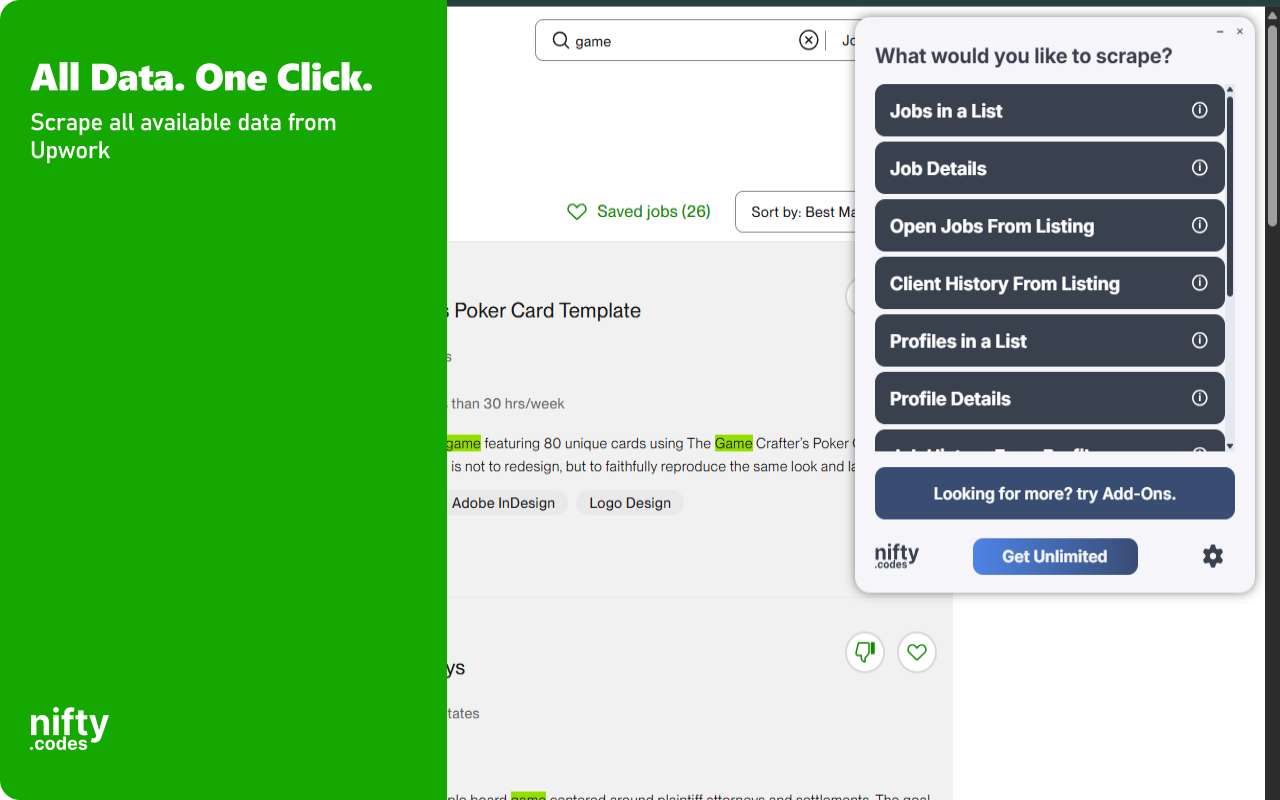
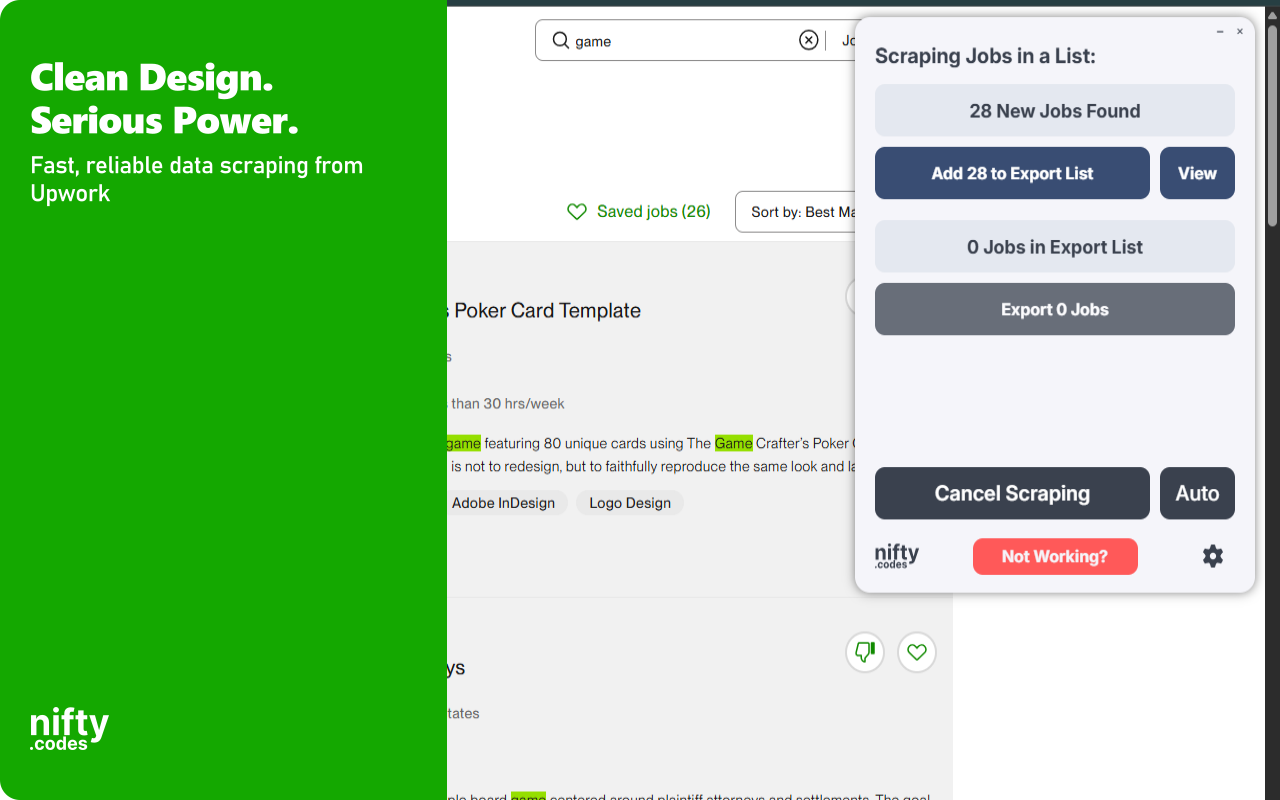
Open the page, pick one of these, and start collecting.
Jobs in a List
27 fields
TitleDescriptionJob TypeJob CiphertextJob URLSearch URL+21 more
Job Details
37 fields
TitleDescriptionCategoryCategory GroupBudget AmountCurrency Code+31 more
Open Jobs From Listing
5 fields
TitleTypeCiphertextURLIs Private
Client History From Listing
18 fields
Job TitleJob CiphertextJob URLContractor NameContractor CiphertextContractor URL+12 more
Profiles in a List
27 fields
Freelancer CiphertextFirst NameLast NameTitleDescriptionCountry+21 more
Profile Details
40 fields
Freelancer CiphertextFirst NameFull NameTitleDescriptionCountry+34 more
Job History From Profile
27 fields
Job TitleJob CiphertextJob URLStart DateEnd DateTotal Hours+21 more
Portfolio Items From Profile
26 fields
TitleDescriptionProject URLCompletion DateIs PublicRank+20 more
Projects in a List
18 fields
TitleSlugCiphertextPrice StartPrice EndDelivery Time+12 more
Project Details
39 fields
TitleDescriptionProject URLProject TypeProject CategoriesServices+33 more
Reviews From Project
18 fields
Contract IDProject IDAssignment TitleClient NameOverall ScoreReview Text+12 more
A look inside
Add-ons
Optional tools that extend what this scraper can do.
Page Watcher
Track changes on any page and get notified instantly. Set conditions on fields you care about and receive alerts via webhook or ntfy.sh when something changes.
Multi-URL Opener
Open and scrape multiple URLs in one go. Add URLs manually or auto-collect them from a list page, then batch-process and export all results.
Questions
How does this work?
Open the page you want to scrape, select the type of data you need from the list, and that's it. It just works. If you want to take it further, you can with customizations, webhooks, add-ons, and a lot more.
Is this reliable?
Very. We have 50+ scrapers and each one goes through a regular monthly testing cycle. On top of that, we take bug reports seriously and most issues are fixed within 48 hours.
Which websites does this scraper work on?
This scraper works on upwork.com.
Can I use this to monitor changes in pages?
Yes, we have a Page Watcher tool built for exactly that. It can track new results appearing in a list, or watch specific values like price or likes for any changes.
How much does this cost?
It's free to use with limits. To unlock everything, it's $9.99/month.
Do you offer a free trial?
We don't typically offer free trials. There are real costs behind keeping everything maintained and improving. That said, feel free to reach out through the Contact form. Sometimes we're in a good mood :)
Version history
Updates and fixes, most recent first.
v3.5.1 · Oct 4, 2026v3.5.0 · Sep 14, 2026v3.4.5 · Jul 28, 2026v3.4.4 · Jul 26, 2026v3.4.3 · Jul 26, 2026v3.4.2 · Jul 24, 2026v3.4.1 · Jul 18, 2026v3.4.0 · Jul 14, 2026v3.3.4 · Jul 9, 2026v3.3.3 · Jun 25, 2026v3.3.2 · Jun 19, 2026v3.3.1 · Jun 7, 2026v3.3.0 · Jun 7, 2026v3.2.1 · Apr 20, 2026v3.2.0 · Apr 19, 2026v3.1.7 · Mar 21, 2026v3.1.6 · Mar 16, 2026v3.1.5 · Mar 13, 2026v3.1.4 · Mar 12, 2026v3.1.3 · Mar 7, 2026v3.1.2 · Mar 2, 2026v3.1.1 · Feb 27, 2026v3.1.0 · Feb 24, 2026v3.0.0 · Jan 28, 2026
Extract job listings, freelancer profiles, project catalogs, and client history directly from Upwork with this browser extension. It automates the collection of freelance marketplace data including budgets, skills, ratings, and portfolio items, processing everything locally in your browser. Monitoring features let you track page changes and receive alerts when new jobs appear or profile details change on Upwork.
Key Features
✓ Monitor pages for changes and receive instant alerts
✓ All data processing happens locally in your browser
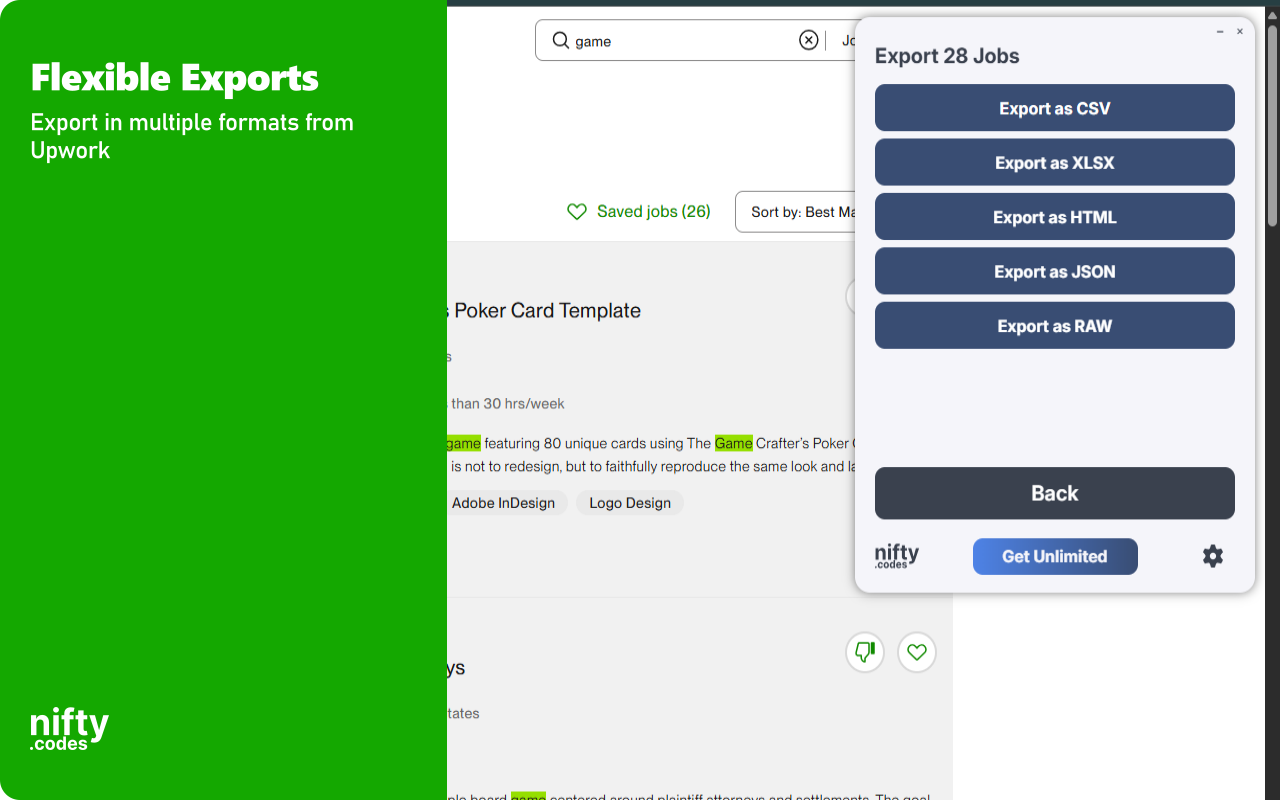
✓ Export to CSV, Excel (XLSX), JSON, HTML Table, and Raw JSON
✓ Automatic pagination for collecting data across multiple pages
✓ Batch processing for scraping multiple URLs in one session
✓ Customizable field selection and conditional formatting
What Data You Can Extract
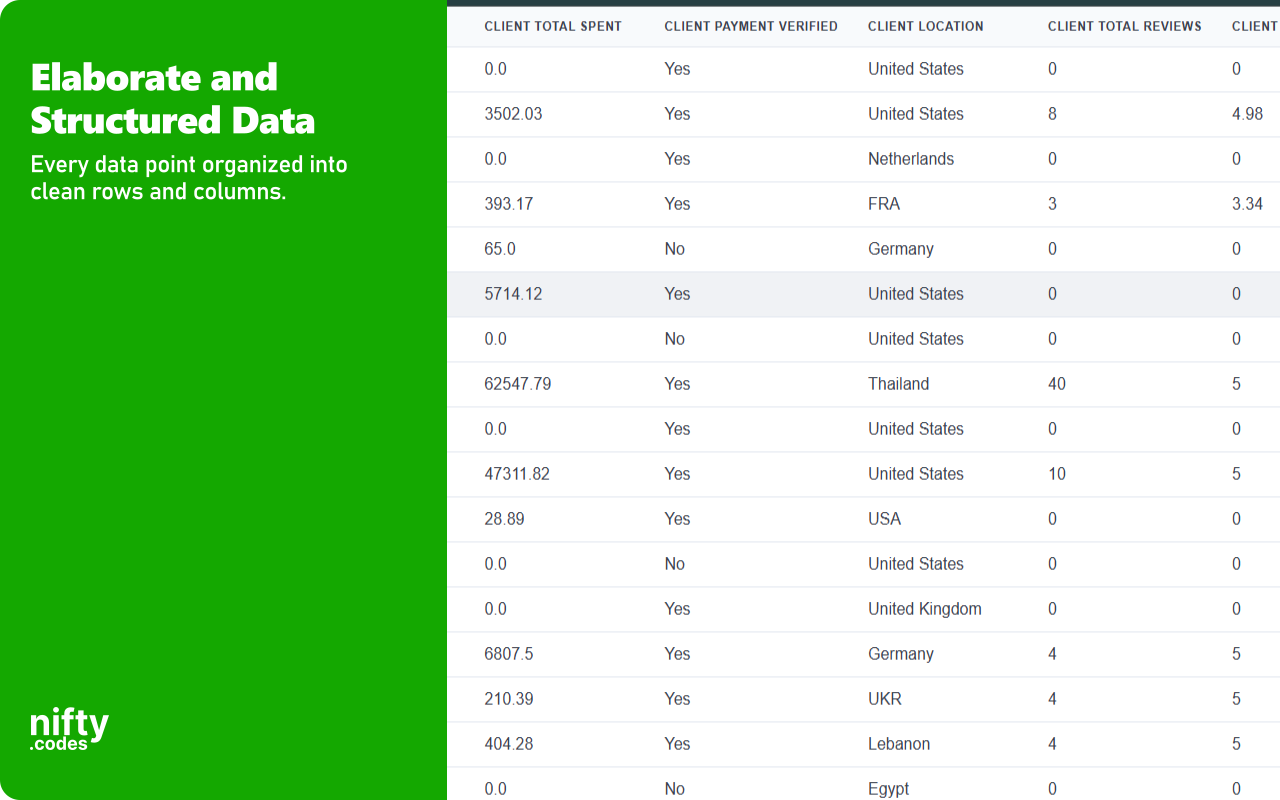
Jobs in a List: Title, description, job type, URL, duration, engagement, fixed price amount, publication date, connect price, client total hires, client total spent, payment verification, client location, feedback score, experience level, proposals tier, and required skills.
Job Details: Title, description, category, budget amount, currency, posted date, workload, hourly budget range, contractor tier, client applicants, hired count, invitations, location, company industry, active assignments, hours count, total charges, and average hourly rate.
Client History: Job title, contractor name, start and end dates, total hours, status, total charge, rate, feedback score, feedback comments, and client-to-freelancer feedback.
Profiles in a List: First name, last name, title, description, country, city, timezone, hourly rate, skills, top rated status, total earnings, job success score, total hours, completed jobs, and portfolio items.
Profile Details: Full name, title, description, location, portrait URL, skills, member since date, total hours, total earnings, recent earnings, hourly rate, rating, top rated status, languages, education, employment history, certifications, portfolio count, hire again percentage, and agency details.
Job History from Profile: Job title, start and end dates, total hours, job type, status, client name, total charges, hourly rate, feedback scores and comments, and skills used.
Portfolio Items: Title, description, project URL, completion date, project type, role, goal, solution, skills, and attached media.
Monitoring & Alerts
Page Watcher lets you track changes on any Upwork page and get notified instantly. Set conditions on specific fields you care about, such as budget amounts, proposal counts, or freelancer ratings, and receive alerts via webhook or ntfy.sh when those conditions are met.
Batch Processing
Batch URL Opener allows you to queue multiple Upwork URLs for scraping in one session. Add URLs manually or auto-collect them from a job search or talent listing page, then batch-process all results and export everything at once.
Export Formats
CSV, Excel (XLSX), JSON, HTML Table, Raw JSON
Perfect For
This extension is ideal for users who need to compile Upwork job opportunities, compare freelancer profiles, or archive client feedback and project history. It provides a structured way to move Upwork data into local files for review and analysis.
Supported Regions
This extension works globally on the upwork.com domain. It supports all regions where Upwork listings are accessible.
Privacy & Security
All scraping and exports are performed locally on your machine. No scraped data is sent to external servers. General usage metrics are collected to support core functionality and improve the extension.
Usage Notice
This extension provides tools for extracting publicly available data. Users are responsible for ensuring their use complies with applicable terms of service and local regulations. The developer provides the tool and is not liable for how it is used.
Technical Support
For assistance or questions, contact hello@nifty.codes.
Trademark
Upwork is a registered trademark of Upwork Inc. This extension is an independent tool and is not affiliated with, endorsed by, authorized, maintained, or sponsored by Upwork Inc.